Animation Storyboards Are the Film
In live action, the storyboard is a plan. In animation, the storyboard is the film in its earliest form.
Every frame of an animated film starts as a storyboard panel. Unlike live action where you can improvise on set, adjust blocking during rehearsals, or find happy accidents in the footage, animation locks its creative decisions during storyboarding. What you board is what gets animated. What you don't board doesn't exist.
That makes animation storyboarding both more important and more detailed than its live-action counterpart. An animation storyboard doesn't just show where the camera goes. It shows the acting, the timing, the staging, and the emotional beats that the animators will bring to life.
What's Different About Animation Storyboards
They Include Acting
Live-action storyboards show composition and camera. Animation storyboards show performance. Each panel needs to communicate the character's expression, posture, gesture, and emotional state because there's no actor on set to interpret the scene.
When Pixar boards a dialogue scene, the storyboard artist draws multiple expressions for a single line of dialogue. Not just "character talks" but "character starts confident, falters mid-sentence, looks away." The animators use these expression beats as their performance reference.
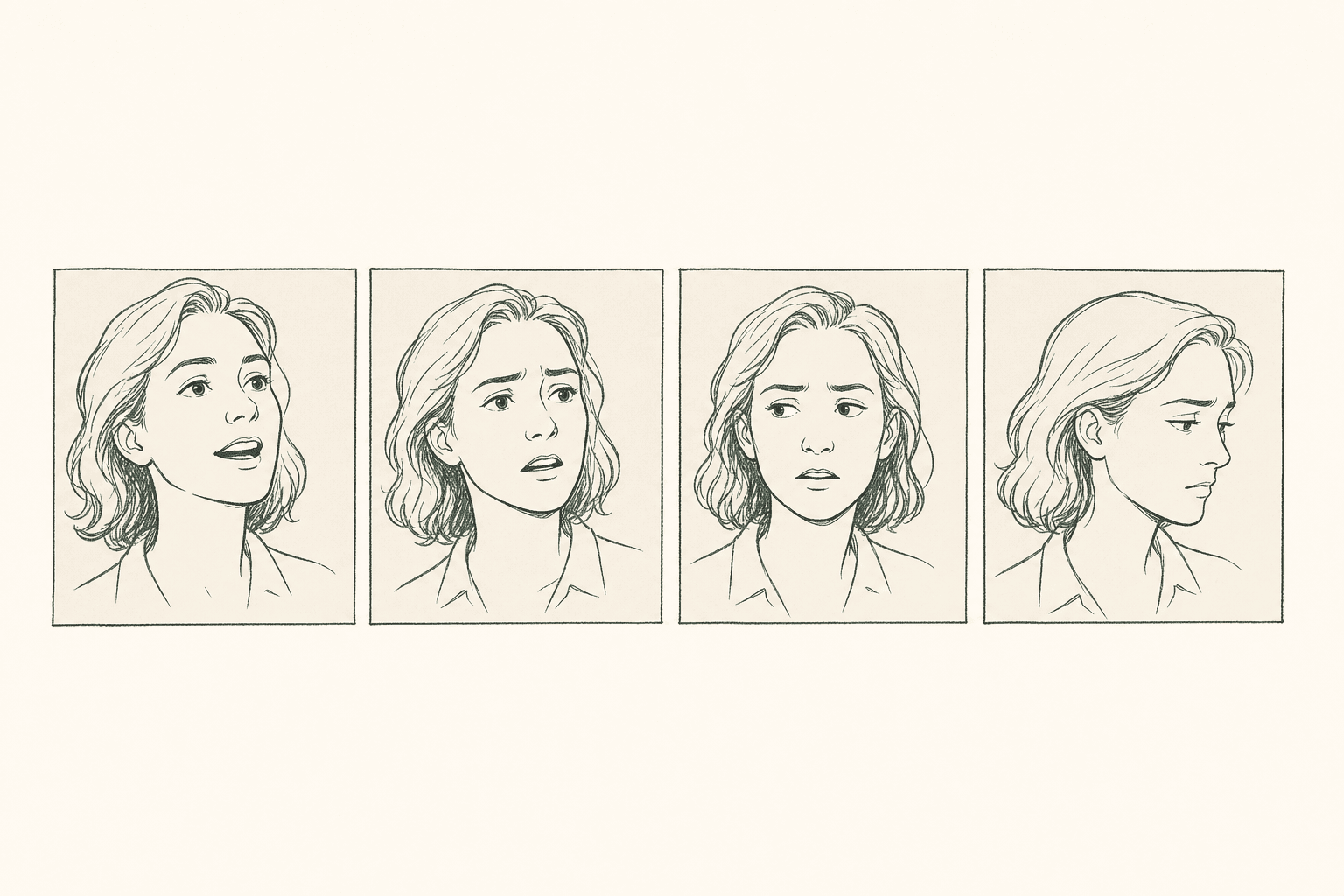
If you're boarding for animation, each key emotional moment needs its own panel. A character who goes from happy to surprised to angry in a single shot needs three panels minimum, not one.
They Define Timing
Animation storyboards carry timing information that live-action boards don't need. Each panel has a duration marker because there's no editor working with footage of variable length. The editor works with exactly what was animated, and what gets animated follows the timing established in the storyboard and animatic.
Standard animation storyboard timing marks:
| Mark | Meaning |
|---|---|
| Duration number (e.g., "24f" or "1s") | How long this panel holds |
| Action arrows | Direction and speed of movement |
| Camera speed notes | "Slow pan" vs "quick whip" |
| Dialogue timing | Which word falls on which frame |
| Hold marks | "H" or "HOLD" for sustained poses |
They Plan Impossible Cameras
Live-action cameras have physical constraints. They can't fly through a keyhole, zoom from space to a microscopic level, or orbit a character in zero gravity without elaborate (and expensive) rigging.
Animation cameras have no physical constraints. That freedom means the storyboard artist needs to be more intentional about camera choices because anything is possible. The question isn't "can we do this shot" but "should we."
The best animation storyboards use impossible cameras sparingly and purposefully. A camera that pushes through a wall to reveal the next room serves the story (the audience transitions between spaces seamlessly). A camera that does an unmotivated 360-degree spiral around a character is just showing off.
The Animation Storyboard Pipeline
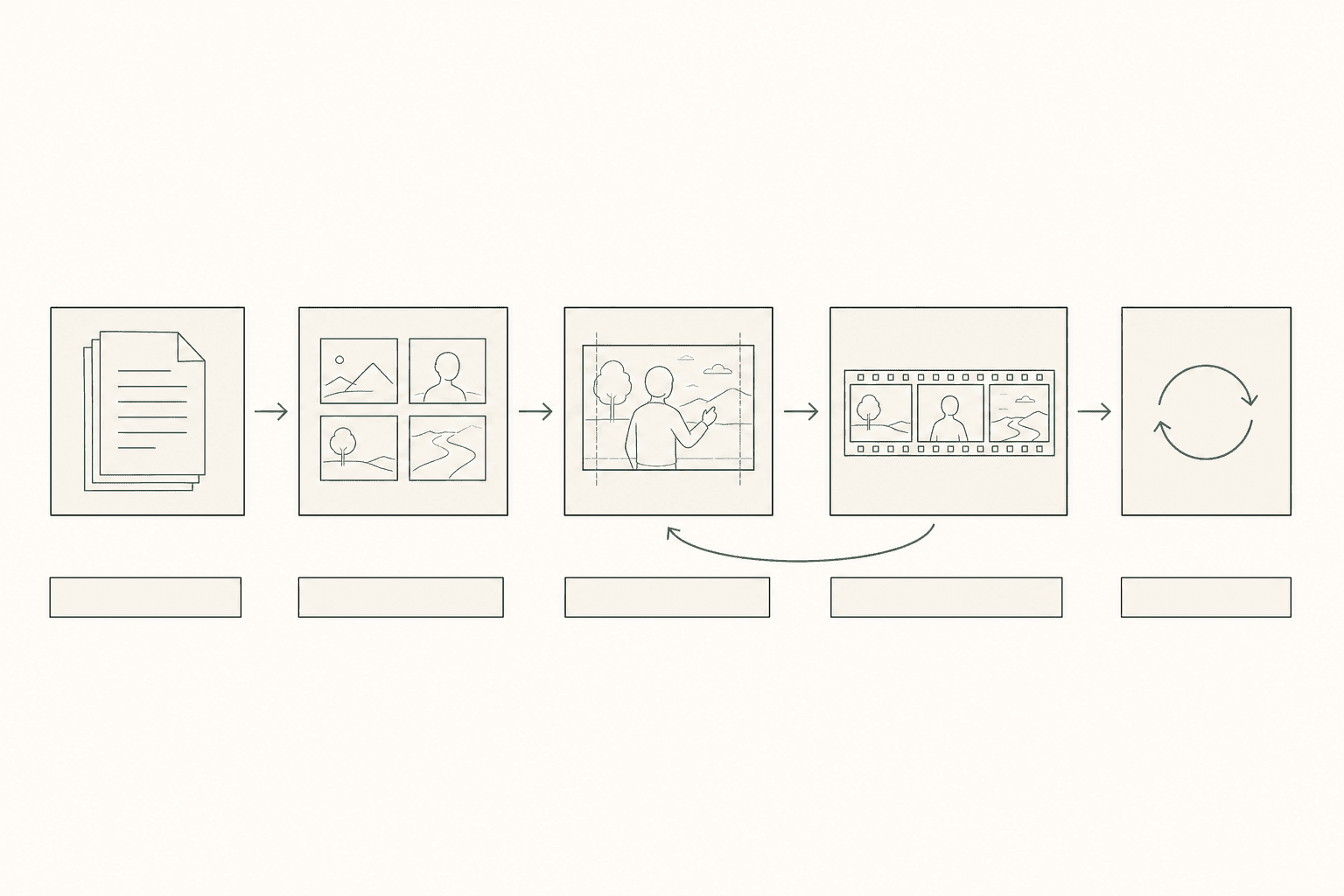
Step 1: Script Breakdown (Same as Live Action)
Read the script. Identify characters, locations, props, emotional beats. Note anything that requires special visual treatment. This step is identical to live-action screenplay breakdown with one addition: note any scenes that require complex character animation (dance, fight, physical comedy) because those need extra boarding time.
Step 2: Thumbnail Boards
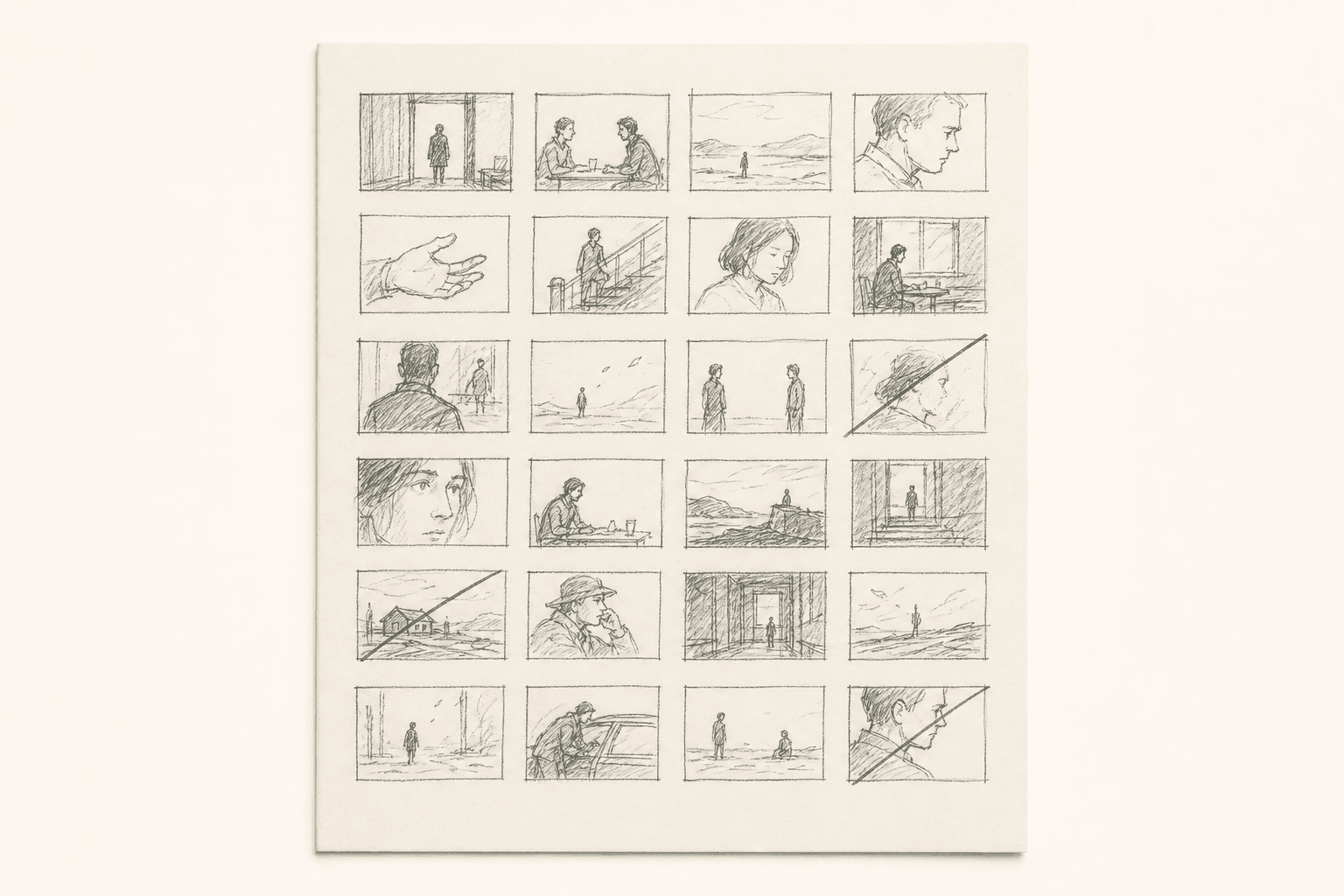
Before detailed storyboards, most animation studios create thumbnail boards. These are tiny (2x3 inch), rough sketches showing basic staging and composition. 20-30 thumbnails per page, covering an entire sequence at a glance.
Thumbnails serve two purposes. First, they let you plan the sequence flow without committing to details. Second, they're fast enough to throw away. You might thumbnail a scene three different ways before picking the approach that works best.
At major studios, the storyboard artist presents thumbnails to the director before moving to detailed boards. Revisions at this stage cost minutes. Revisions at the detailed stage cost hours.
Step 3: Detailed Storyboard Panels
Each thumbnail that survives the review becomes a detailed panel. Animation storyboard panels include:
Composition and staging. Where characters are in the frame, their poses, the background elements visible. This is the animator's primary visual reference.
Expression and acting. Facial expressions, hand gestures, body language. Multiple panels for a single shot if the expression changes significantly.
Camera instructions. Field size (the animation equivalent of shot size), camera moves (pans, trucks, zooms), and any multiplane depth instructions.
Dialogue placement. Which words appear during this panel. Mouth shapes for key phonemes if the scene requires precise lip sync.
Effects notes. Particle effects, lighting changes, environmental effects (rain, wind, dust) that the effects team needs to plan.
Step 4: Animatic (Non-Optional for Animation)
In live action, animatics are optional. In animation, they're mandatory. The animatic is where you test whether the story works before spending months animating it.
The animation animatic includes:
- All storyboard panels timed to their intended duration
- Scratch dialogue (usually recorded by the storyboard team or director)
- Temp music and sound effects
- Basic camera moves (pans, zooms executed on the panels)
Pixar typically creates 6-8 full-length animatic passes before approving a film for animation. Each pass refines timing, pacing, and story beats. Sequences that don't work in the animatic get re-boarded entirely.
For indie animation projects, even one animatic pass catches problems that would cost weeks of animation time to fix later.
Step 5: Revision Cycles
Animation storyboards go through more revision cycles than live-action boards. A live-action director might review boards once or twice before shooting. An animation director might send a sequence back for re-boarding five or six times.
This isn't because animation directors are pickier. It's because the storyboard is the cheapest place to iterate. Re-drawing panels costs hours. Re-animating scenes costs weeks. Re-rendering costs days of compute time.
Tools for Animation Storyboarding
Traditional drawing tools. Storyboard Pro (Toon Boom) is the industry standard for professional animation storyboards. It includes drawing tools, camera move previews, timing controls, and animatic export.
Digital drawing. Procreate, Photoshop, or Clip Studio Paint for drawing panels. Export frames and assemble the animatic in a video editor.
AI-assisted. AI storyboard generators can produce initial composition frames for animation projects, especially useful for 3D animation where the AI frames serve as camera and staging reference. The animator translates these into the project's actual style.
Common Animation Storyboarding Mistakes
Not enough panels per shot. A live-action storyboard might use one panel per shot. An animation storyboard needs panels for every significant pose change, expression change, and timing beat within a shot. A 5-second dialogue shot might need 4-6 panels.
Staging in 2D when the film is 3D. If you're making a 3D animated film, think about depth staging in your boards. Characters at different distances from camera, foreground elements creating depth, and parallax in camera moves. Flat, side-view staging in boards leads to flat, side-view animation.
Skipping the animatic. Every animation director who has skipped the animatic has regretted it. The animatic catches pacing problems, awkward transitions, and story gaps that individual panels can't reveal. Build the animatic before approving any scene for animation.
Over-boarding static scenes. A character sitting and talking doesn't need 20 panels of subtle expression changes. Board the key emotional beats and let the animator fill in the transitions. Over-boarding can actually constrain animators by leaving no room for their creative interpretation.
Frequently Asked Questions
Ready to speed up your pre-production?
StoryBirdie turns your screenplay into a professional storyboard in minutes. See pricing or jump straight in.
About the author
Aayush is co-founder and director at StoryBirdie. He's a screenwriter, director, stand-up comedian, and full-stack developer — co-founder of Kathmandu's Comedy Tuk Tuk, with directing and writing credits on shorts, music videos, and comedy projects. He builds StoryBirdie on the conviction that storyboarding is expensive, time-consuming, and important — and that a tool for it should serve the filmmaker's vision, not replace it. StoryBirdie is currently in use on a Nepali feature, a Sri Lankan TV commercial, and at one of Nepal's largest production houses. Based in Kathmandu, Nepal.
Keep reading
- Storyboarding for Comedy: Timing Is VisualHow to storyboard comedy scenes where timing, framing, and editing rhythm are the punchline. Practical techniques for visual comedy.·8 min read
- Storyboarding for Documentaries: When and HowDo documentaries need storyboards? When to plan visuals, when to stay flexible, and how to storyboard the planned parts of your doc.·8 min read
- Storyboarding for Horror Films: A Director's Visual GuideHow to storyboard horror scenes that build dread, deliver scares, and control pacing. Camera techniques, framing, and visual storytelling for horror.·9 min read
- How to Storyboard a Commercial: A Director's WorkflowStoryboarding a commercial: timing, product shots, client-approval drafts, and the agency workflow that keeps clients and crew aligned.·8 min read