Free Storyboard Templates
Printable PDF templates for every project type. Or skip the blank page entirely — generate storyboards from your screenplay with AI.
Templates Are a Starting Point. AI Is the Destination.
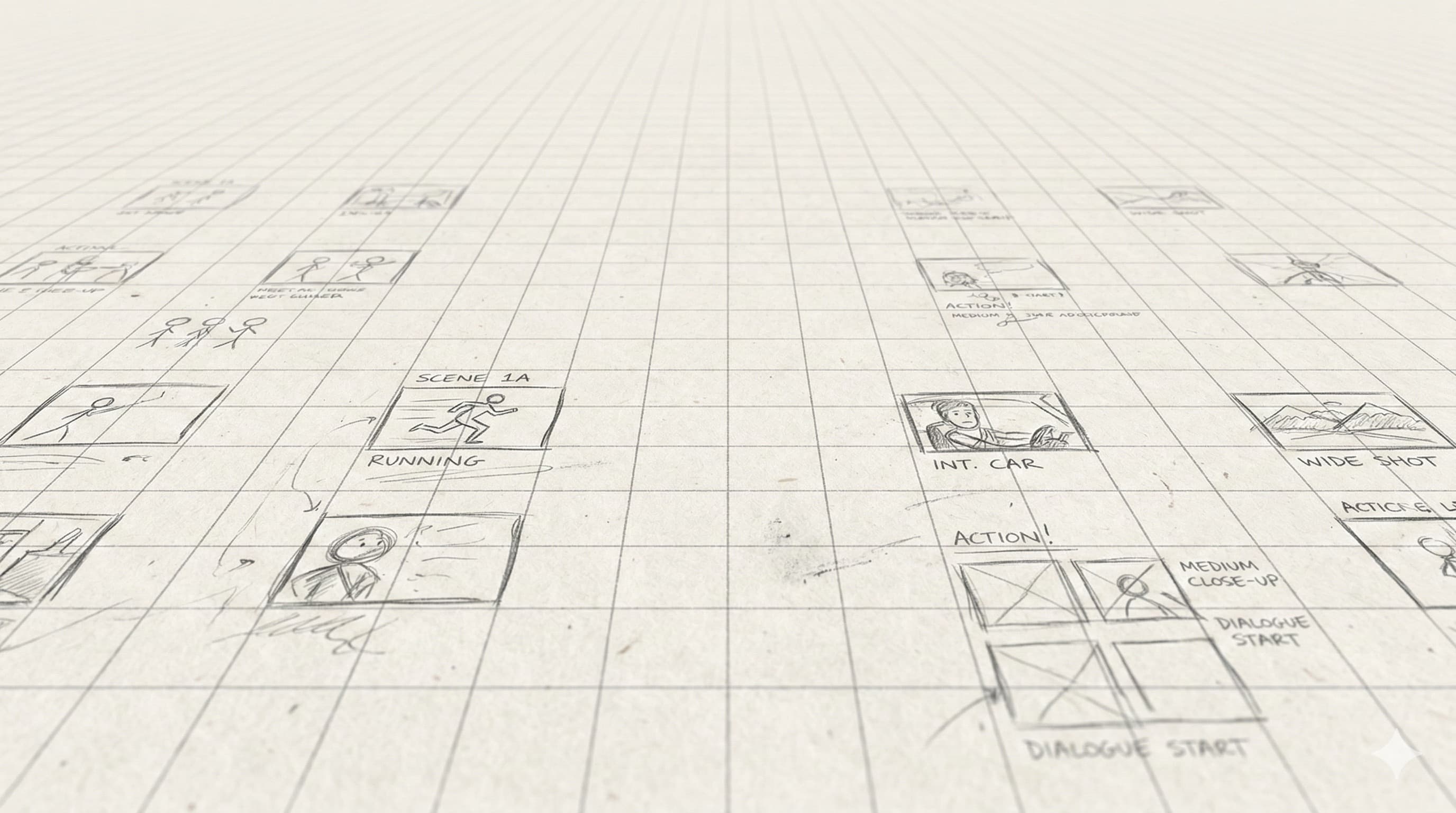
Blank templates give you empty frames to fill manually. StoryBirdie's AI reads your screenplay and fills them for you — shot compositions, camera angles, character positions, and blocking. Same output, fraction of the time.
With templates (manual)
Download → Print → Draw each frame → Annotate → Scan or photograph → Share
~4-8 hours per scene
With StoryBirdie AI
Upload screenplay → Review AI shot list → Generate frames → Export PDF
~5-10 minutes per scene
Download Free Templates
All templates are free, no email required. Print at home or at your local print shop.
Standard Film Storyboard
3-panel landscape layout with space for shot number, description, dialogue, and camera notes. The industry standard for narrative filmmaking.
3 panels per row · A4 Landscape PDF
Best for: Short films, features, narrative projects
Dialogue Scene Template
2-panel portrait layout optimized for shot/reverse-shot coverage. Extra space for dialogue lines and character blocking notes.
2 panels per row · A4 Portrait PDF
Best for: Dialogue-heavy scenes, interviews
Commercial Storyboard
4-panel layout with fields for timing, voiceover, supers, and brand notes. Designed for :15, :30, and :60 spot planning.
4 panels per row · A4 Landscape PDF
Best for: TV spots, social ads, branded content
Music Video Storyboard
3-panel layout with timestamp, lyric, and beat markers. Designed for beat-synced visual planning.
3 panels per row · A4 Landscape PDF
Best for: Music videos, lyric videos, concert visuals
TV/Series Episode
2-panel portrait layout with scene and episode number fields. Designed for episodic production with multiple directors sharing boards.
2 panels per row · A4 Portrait PDF
Best for: TV episodes, web series, streaming content
Student Film Template
Simple 3-panel layout with educational annotations: shot size reference, camera angle guide, and composition tips printed on each page.
3 panels per row · A4 Landscape PDF
Best for: Film school projects, class assignments
Tabular shot list with columns for scene, shot number, size, angle, camera movement, lens, action, dialogue, and notes. What your DP and AD actually work from on set.
18-row table · A4 Landscape PDF
Best for: Every production. Pair with a storyboard template.
Scene-by-scene production breakdown: cast, props, wardrobe, VFX/SFX, day/night, location. The doc your producer turns into a schedule and budget.
22-row table · A4 Portrait PDF
Best for: Indie directors, 1st ADs, producers prepping a shoot.
Want AI-generated frames instead of blank boxes? Try StoryBirdie free →
How to Use a Storyboard Template
1. Print the template
Print on standard A4 or Letter paper. Landscape orientation for most templates. Use heavier paper (80-100 gsm) if you're drawing with markers.
2. Plan before you draw
Create your shot list first. Know what goes in each frame before you start drawing. Each frame = one shot from your shot list.
3. Draw compositions, not art
Stick figures work. Show camera angle, character positions, and key visual elements. Your storyboard is a communication tool for your crew, not a portfolio piece.
4. Annotate every frame
Fill in shot size, camera movement, dialogue, and action for each frame. These notes are what your DP and AD actually use on set.
5. Share with your crew
Photograph or scan your completed boards. Share digitally or print copies for set. Tape them near the monitor for quick reference during the shoot.
Frequently Asked Questions
What is a storyboard template?+
What size should storyboard frames be?+
Can I generate storyboard frames with AI instead of drawing?+
What's the best free storyboard template?+
One project pays for a year.
A single freelance storyboard costs $500–$2,000. StoryBirdie starts free. No credit card required.