Music Videos Are Harder to Storyboard Than Films
Narrative films follow a screenplay. The structure is given to you: dialogue, action lines, scene headings. You break down what's on the page.
Music videos don't have a page to break down. You have a song — 3 to 4 minutes of audio — and your job is to fill that time with visuals that amplify the music. There's no dialogue to cover, no continuity to maintain between setups, and no editor waiting for specific coverage.
That freedom is exactly what makes music videos harder to plan. With no structure imposed on you, you have to create the structure yourself. And the storyboard is how you do it.
Here's the workflow I use for every music video project.
Step 1: Map the Song Structure
Before you think about a single visual, listen to the track five times. Map its structure:
| Section | Timestamp | Duration | Energy Level |
|---|---|---|---|
| Intro | 0:00 - 0:15 | 15 sec | Building |
| Verse 1 | 0:15 - 0:45 | 30 sec | Medium |
| Pre-chorus | 0:45 - 1:00 | 15 sec | Rising |
| Chorus 1 | 1:00 - 1:30 | 30 sec | High |
| Verse 2 | 1:30 - 2:00 | 30 sec | Medium |
| Chorus 2 | 2:00 - 2:30 | 30 sec | High |
| Bridge | 2:30 - 2:50 | 20 sec | Drop/shift |
| Final chorus | 2:50 - 3:15 | 25 sec | Peak |
| Outro | 3:15 - 3:30 | 15 sec | Descending |
This map is your scene list. Each section needs its own visual treatment, and the transitions between sections need to feel motivated — either by the music or by your narrative.
Mark the beats that demand visual emphasis:
- The first downbeat of each chorus (this is where your biggest visual moment should land)
- Any lyrical hooks that could have literal or metaphorical visual representation
- Tempo changes, key changes, or silence beats
- The bridge (the most underused creative opportunity in music videos)
Step 2: Decide Your Visual Strategy
Music videos generally fall into three categories. Decide which one you're making:
Performance. The artist performs the song — on stage, in a studio, in a stylized space. The camera captures the performance. This is the simplest to storyboard because your content is defined: the artist singing and playing.
Narrative. The video tells a story, usually related to the song's theme. This plays more like a short film set to music.
Concept. Abstract, visual, mood-driven. No literal story. The visuals create a feeling that amplifies the music. Think dance, color, texture, movement.
Most music videos are hybrids — performance sections during choruses, narrative during verses, conceptual moments in the bridge. Your storyboard needs to plan how these modes weave together.
Step 3: Beat-Synced Storyboarding
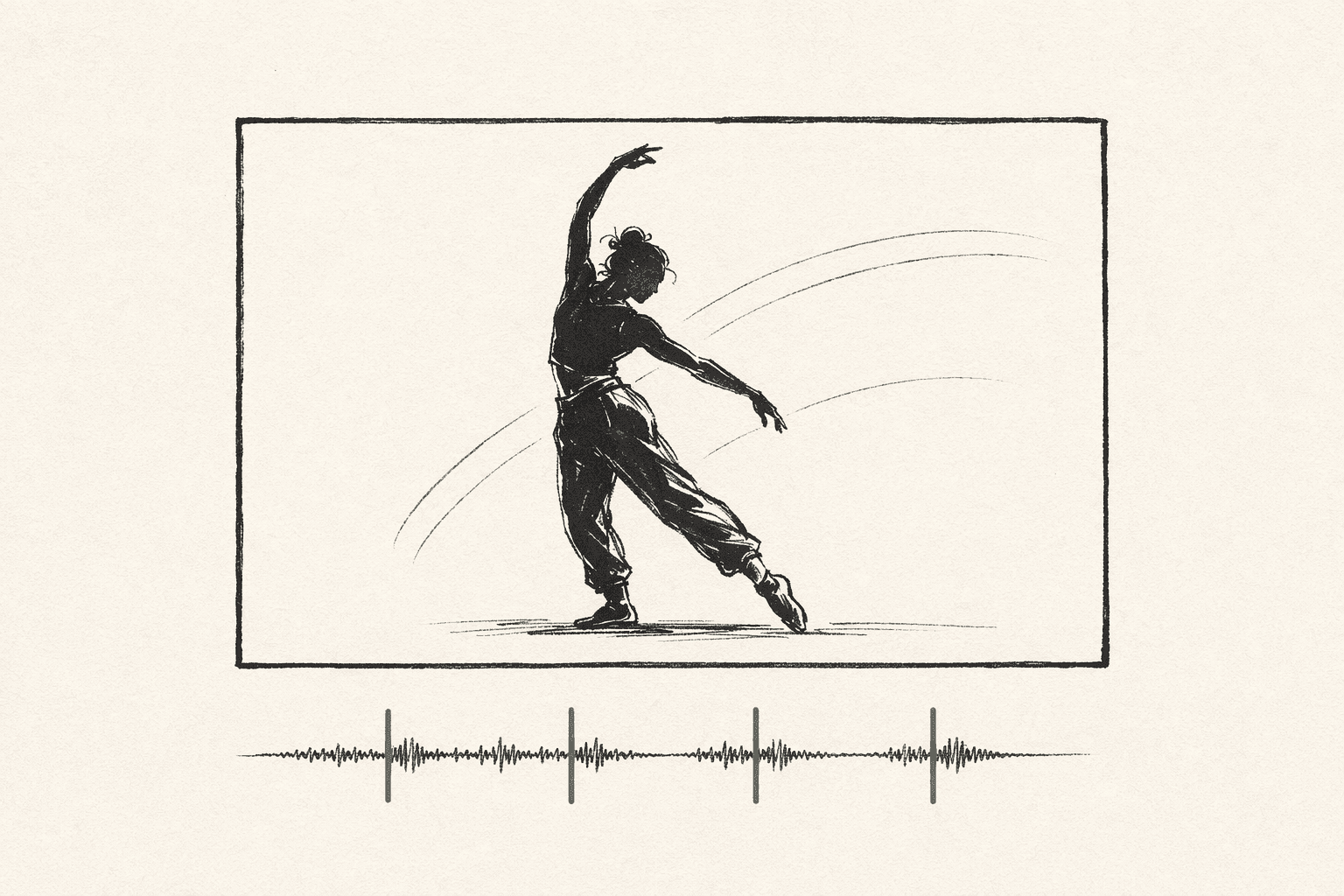
Here's where music video storyboarding diverges from film storyboarding completely.
In film, shots are timed by dramatic pacing. In music videos, shots are timed by the music. Every cut should land on a beat, a lyric, or a musical accent. Your storyboard needs to reflect this.
For each section of the song:
1. Count the bars. A verse might be 8 bars. At 120 BPM, that's 16 seconds. That constrains how many shots you can fit.
2. Decide your cutting rhythm.
- Fast cutting (every 1-2 beats) → high energy, chorus material
- Medium cutting (every bar or two) → verses, building sections
- Long holds (4+ bars) → emotional moments, bridge, intro
3. Plan shots to match. If a chorus is fast-cutting with a shot every 2 beats, you need 8-12 frames for a 30-second chorus. If a verse is slower with 4-bar holds, you need 4 frames for 30 seconds.
This means your storyboard frame count isn't determined by story beats (like in film) — it's determined by your editing rhythm against the song structure.
Step 4: Storyboard the Key Moments
You don't need to board every single shot. For a 3.5-minute music video with 40-60 total shots, board these:
The opening image. First impression. Sets the tone for everything.
First chorus entrance. This is your biggest visual beat. If the video has a "wow" moment, it should land on the first downbeat of the first chorus.
The bridge. Most overlooked moment in music video directing. The bridge is where the music shifts — and your visuals should shift with it. Different color palette, different location, different energy. This is your creative playground.
The final image. How does the video end? A return to the opening (circular)? An escalation (climactic)? A surprise?
Any narrative beats. If your video has a story, board the key plot points — setup, complication, resolution.
Everything else can live on a shot list with timing notes. Your DP needs to know "close-up of artist, lyric sync, beat 3 of bar 12" — they don't necessarily need a drawn frame for that.
Step 5: Plan for Performance Shoots
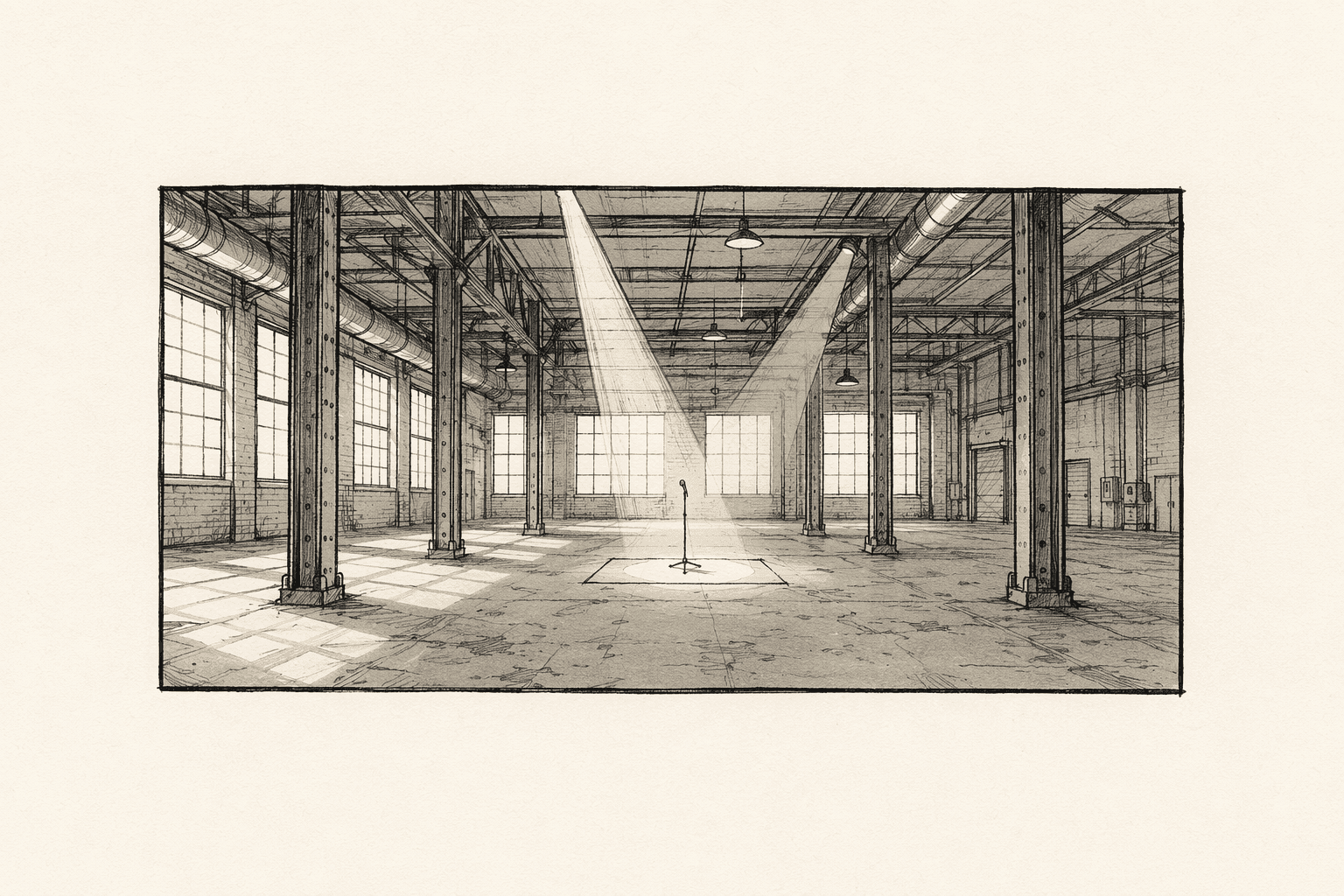
If your video includes performance, you need a specific storyboarding approach:
Performance coverage plan:
- Wide shot of full performance (master)
- Medium shot (waist up)
- Close-up (face)
- Detail shots (hands on instrument, feet, props)
- Profile and three-quarter angles
For a single performance setup, you typically need 4-6 different framings to give the editor enough variety. Board one representative frame for each framing, not one for every verse.
Lip sync considerations: Plan which shots will feature direct lip sync (artist looking at camera, singing) vs. which will be cutaway (B-roll, narrative, abstract). The audience expects lip sync on key lyrical hooks. They'll forgive non-sync cutaways during less critical lyrics.
The Music Video Storyboard Format
Music video storyboards need different information than film storyboards:
| Info | Film Storyboard | MV Storyboard |
|---|---|---|
| Shot number | Yes | Yes |
| Timestamp / bar | No | Yes — critical |
| Lyric line | No | Yes — for sync |
| Camera movement | Yes | Yes |
| Shot size | Yes | Yes |
| Dialogue | Yes | No |
| Cutting rhythm | Implicit | Explicit |
| Energy level | Implicit | Explicit |
A music video storyboard frame should be annotated with: the song timestamp, the lyric at that moment, the intended cutting speed, and the energy level (low/medium/high).
Tools for Music Video Storyboarding
The song as your script. Some directors write a "visual screenplay" — a document that describes the visuals alongside the lyrics, timed to the song structure. This becomes the input for storyboarding.
Animatic first. For music videos, building the animatic before the detailed storyboard often makes more sense. Drop rough frames into your editor, time them to the track, and see if the visual rhythm works. Adjust timing, then detail the boards.
Reference videos. Before you board, gather 3-5 reference music videos that have the visual energy you want. Study their cutting rhythm, performance coverage, and visual transitions. This isn't copying — it's understanding the visual language of the genre.
Common Music Video Storyboarding Mistakes
Boarding too many shots. A 3-minute video with 60 shots doesn't need 60 storyboard frames. Board the 15-20 key moments. Shot-list the rest.
Ignoring the bridge. The bridge is usually 15-20 seconds of musical shift. Most directors default to "more of the same" during the bridge. The best music videos use the bridge for a visual surprise — a location change, a color shift, a narrative turn.
Not timing to the music. A storyboard that looks great on paper but doesn't sync with the track's rhythm will produce a video that feels "off." Always build your animatic and test the timing before committing to detailed boards.
Over-planning performance coverage. Performance shots are discovered on set more than they're planned. Board your key performance framings but leave room for the artist's energy to guide close-up and detail shots in the moment.
Ready to speed up your pre-production?
StoryBirdie turns your screenplay into a professional storyboard in minutes. See pricing or jump straight in.
About the author
Aayush is co-founder and director at StoryBirdie. He's a screenwriter, director, stand-up comedian, and full-stack developer — co-founder of Kathmandu's Comedy Tuk Tuk, with directing and writing credits on shorts, music videos, and comedy projects. He builds StoryBirdie on the conviction that storyboarding is expensive, time-consuming, and important — and that a tool for it should serve the filmmaker's vision, not replace it. StoryBirdie is currently in use on a Nepali feature, a Sri Lankan TV commercial, and at one of Nepal's largest production houses. Based in Kathmandu, Nepal.
Keep reading
- How to Storyboard a Commercial: A Director's WorkflowStoryboarding a commercial: timing, product shots, client-approval drafts, and the agency workflow that keeps clients and crew aligned.·8 min read
- How to Storyboard a Dialogue SceneCamera angles, shot sizes, and pacing strategies for storyboarding dialogue. Practical coverage patterns every director should know.·8 min read
- How to Storyboard a Fight SceneStoryboard fight scenes that are clear, impactful, and editable. Covers choreography beats, camera placement, and cutting rhythm for action.·8 min read
- How to Storyboard a Short Film: Step by StepA practical, step-by-step guide to storyboarding your short film. Covers what to storyboard, what to skip, and how to create boards that actually help on set.·8 min read