The Document That Saves Your Shoot Day
I once watched a director lose an entire afternoon on a two-day shoot because nobody wrote down that they needed an insert shot of a phone screen. The scene required a close-up of a text message — it's in the dialogue, it drives the plot — but on set day, they shot the master and the coverage and moved on. In the edit, the scene falls apart without that insert.
A shot list would have caught it. Not because it's magical, but because it forces you to think through every camera setup before you're standing in front of 15 crew members burning $200 per hour.
The shot list is the most boring and most useful document in pre-production.
What Goes Into a Shot List
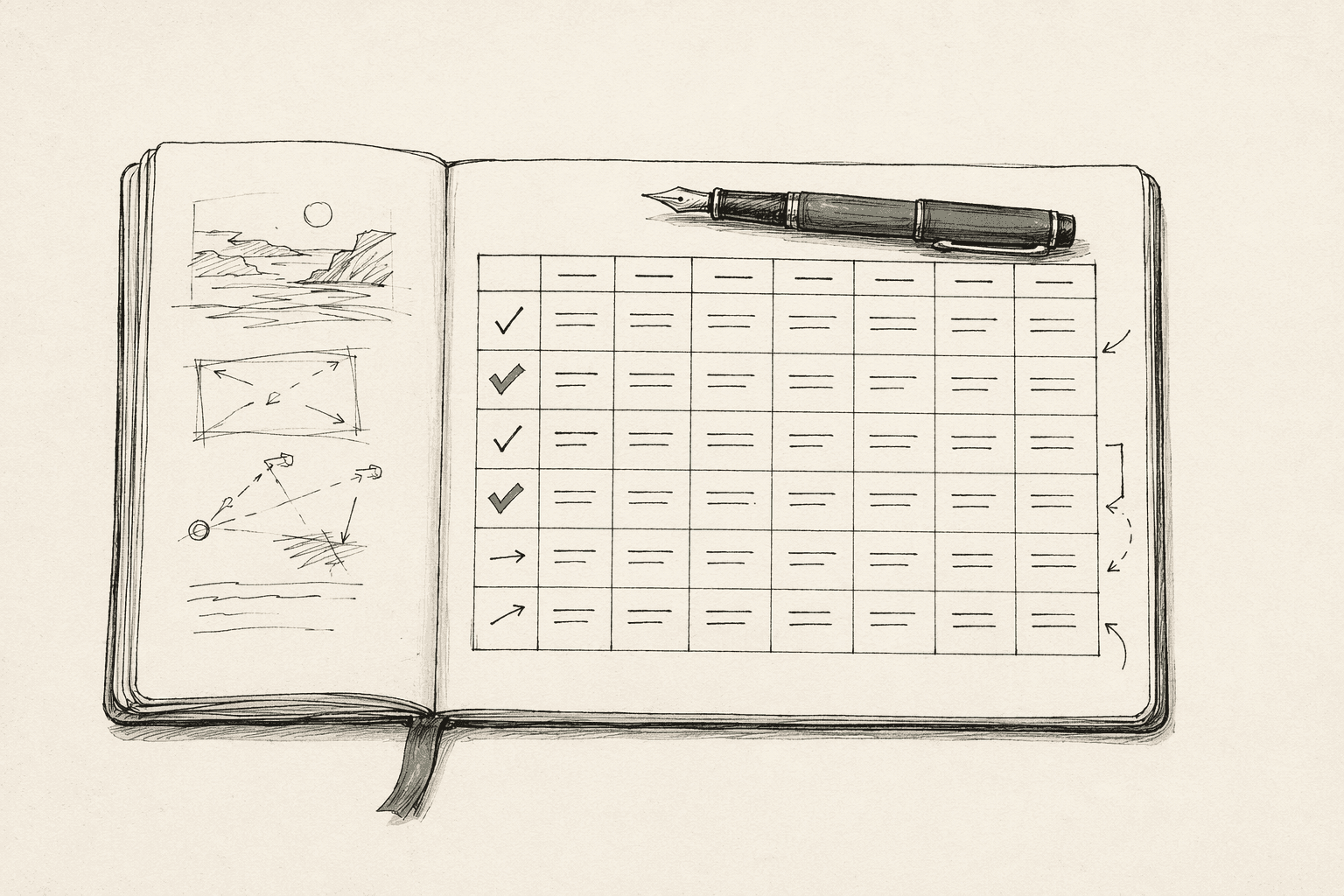
Each shot entry needs to answer: what does the camera capture, and what information does that give the editor?
| Field | What It Tells Your Crew | Example |
|---|---|---|
| Shot number | Sequence reference | 3A |
| Scene | Which scene this belongs to | Scene 7 |
| Shot size | Framing | Medium close-up |
| Camera movement | Whether the camera moves | Slow dolly left |
| Action | What happens | Sarah opens the letter, reads |
| Characters | Who's in frame | Sarah |
| Dialogue | Lines covered | "This can't be real..." |
| Duration | Approximate screen time | 4 seconds |
The shot number is for your AD — it tells them how many setups the day requires. The shot size and movement are for your DP — it tells them what lens and what rigging. The dialogue mapping is for your editor — it tells them which shots cover which moments.
A good shot list also includes lens notes if you've committed to specific glass, equipment flags (steadicam, dolly, drone) so the grip team knows what's coming, and lighting direction for the gaffer.
Shot List vs Storyboard: Different Tools, Different Jobs
The shot list is the structural plan — it defines what shots you need. The storyboard is the visual plan — it shows what those shots look like.
You always need a shot list. You only need a storyboard for scenes that require visual planning — complex blocking, camera movement, VFX, or hero shots.
The shot list comes first because you can't draw a frame until you've decided what the shot is. Decide the coverage, then visualize the key moments.
How to Build a Shot List: A Real Example
Here's how I'd shot-list a specific scene. Not a hypothetical — a common scene type you'll direct.
Scene: Two characters sit across a café table. Character A confesses something. Character B reacts.
Step 1: Identify the Beats
Before listing shots, list the dramatic beats — the moments where the energy shifts.
| Beat | What Happens | Shift |
|---|---|---|
| 1 | Small talk, both uncomfortable | Tension building |
| 2 | A starts the confession | Vulnerability |
| 3 | B listens, processes | Emotional weight |
| 4 | B responds | Resolution or rupture |
Four beats means at minimum four moments that need distinct coverage. Some beats need multiple shots.
Step 2: Plan Coverage Per Beat
Beat 1: Wide two-shot establishes them in the space. We see the café, the distance between them, the body language.
Beat 2: Medium close-up on A. This is A's scene — the confession needs to live on A's face. Over-the-shoulder from B's side gives us spatial connection.
Beat 3: Cut to B. Same size as A's single (matching shot sizes prevents jarring cuts). Hold on B's face — the reaction is more important than the words.
Beat 4: Two options. Pull back to two-shot for reconnection. Or stay tight on one character for unresolved tension. This is a creative call based on what the scene needs emotionally.
Step 3: The Actual Shot List
| # | Size | Camera | Beat | Action | Dialogue |
|---|---|---|---|---|---|
| 7A | Wide | Static | 1-4 | Master — both at table, full scene | All |
| 7B | MCU OTS | Static | 2 | A's confession | "I need to tell you..." |
| 7C | MCU OTS | Static | 3-4 | B's reaction and response | "How long?" |
| 7D | CU | Static | 3 | B's hands gripping the cup | — |
| 7E | Two-shot | Slow push | 4 | Resolution beat, both in frame | Final exchange |
Five shots. Three camera positions (wide, A's side, B's side — plus an insert and a push-in). An AD looks at this and knows: three setups minimum, probably 90 minutes to shoot. A DP looks at this and knows: standard lens kit, no special rigging, one dolly move.
That's a shot list doing its job. Everyone knows what's happening before they arrive on set.
The Setup Order Trick
New directors list shots in story order. Experienced directors list them in setup order.
Shots 7A (wide) and 7E (two-shot push) might use similar camera positions. Shoot them together instead of repositioning the camera between them. Shots 7B and 7D are both from A's side — shoot them consecutively.
Grouping by camera position instead of story order minimizes setup changes. Each setup change costs 15-30 minutes (repositioning, relighting, rehearsing the new angle). Five setups in story order might require eight camera moves. Five setups in setup order requires three.
Your AD will restructure your shot list into setup order for the call sheet. But if you hand them a list that's already grouped smartly, they'll respect you for it.
How Many Shots Per Scene?
There's no formula, but here are realistic ranges from scenes I've directed or crewed:
| Scene Type | Typical Shots | Why |
|---|---|---|
| Two-person dialogue | 5-8 | Master + singles + inserts |
| Multi-character dinner | 10-18 | More people = more angles |
| Action/fight | 15-30+ | Faster cutting, more coverage |
| Simple transition | 1-3 | Don't overcomplicate it |
| Emotional climax | 8-12 | Tighter coverage, more reaction shots |
If your shot list has 40 setups for a 12-hour day, you need roughly 18 minutes per setup including rehearsal, lighting, and takes. That's tight but doable with an efficient crew. If it has 60 setups, you're not finishing — cut or add a shoot day.
AI Shot List Generation
Writing a shot list manually takes about an hour per scene for thorough coverage. For a 10-scene short film, that's a full day of spreadsheet work before you've made a single creative decision about visuals.
AI shot list generators read your screenplay and produce a structured shot list automatically. The AI handles the conventional coverage patterns — establishing wides, dialogue singles, standard insert shots — and you override with your creative vision. Change the camera angle where you want something unusual. Add the shots the AI missed. Remove the coverage you don't need.
It's not about replacing your shot planning — it's about starting from a working draft instead of an empty spreadsheet.
Common Shot List Mistakes
Listing shots but not setups. Shots 7B and 7C might be from different camera positions (two setups) or the same position (one setup). Your shot list should make this clear because setups, not shots, determine your schedule.
Forgetting the connective tissue. You plan the hero shots but forget the coverage your editor needs to construct the scene — establishing wides, reaction shots, and insert shots. Always ask: "if the editor only had these shots, could they build the scene?"
Not sharing the list. A shot list only the director has seen is a personal note. Share it with your DP (camera specs), AD (scheduling), gaffer (lighting), and sound mixer (boom placement). Each department reads different columns but they all need the document.
Frequently Asked Questions
Ready to speed up your pre-production?
StoryBirdie turns your screenplay into a professional storyboard in minutes. See pricing or jump straight in.
About the author
Aayush is co-founder and director at StoryBirdie. He's a screenwriter, director, stand-up comedian, and full-stack developer — co-founder of Kathmandu's Comedy Tuk Tuk, with directing and writing credits on shorts, music videos, and comedy projects. He builds StoryBirdie on the conviction that storyboarding is expensive, time-consuming, and important — and that a tool for it should serve the filmmaker's vision, not replace it. StoryBirdie is currently in use on a Nepali feature, a Sri Lankan TV commercial, and at one of Nepal's largest production houses. Based in Kathmandu, Nepal.
Keep reading
- How to Create a Shot List: A Director's GuideLearn how to create a shot list step by step. Covers shot types, camera angles, movement notation, and scene organization.·14 min read
- AI Shot List Generator: From Screenplay to Shot List in SecondsHow AI shot list generators work, what they produce, and how to use them to speed up your pre-production workflow without sacrificing creative control.·7 min read
- Storyboard vs Shot List: Which Comes First?Should you create a shot list or storyboard first? The answer depends on your project. Here's a practical framework for deciding.·7 min read
- How to Storyboard a Film: The Complete GuideLearn how to storyboard a film from start to finish. Covers frame composition, shot notation, formats, and modern workflows.·15 min read