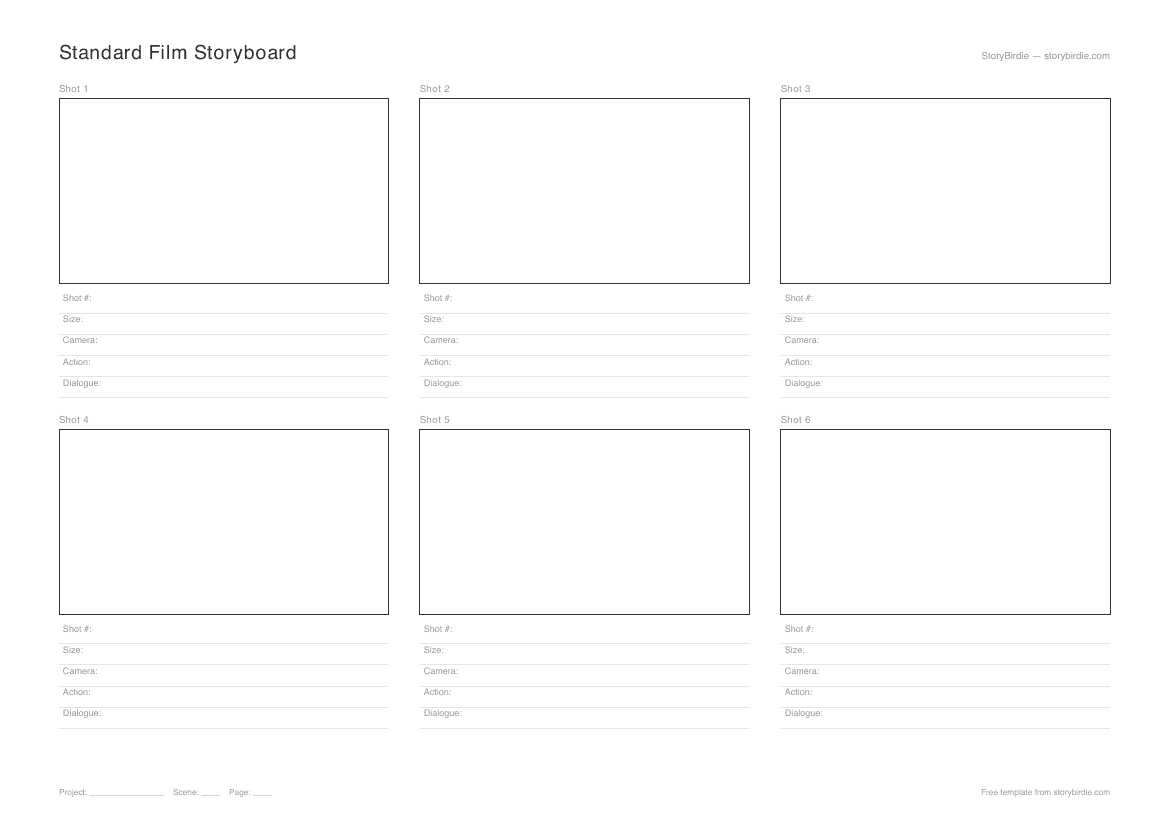
Standard Film Storyboard Template
Standard Film Storyboard
- A4 Landscape PDF
- 3 panels per row, 6 panels per page
Best for: Short films, features, narrative projects, film school assignments
Printable PDFs for every project type — film, dialogue, commercial, music video, TV, student. Plus a shot list template and a screenplay breakdown sheet. Free, no email required.
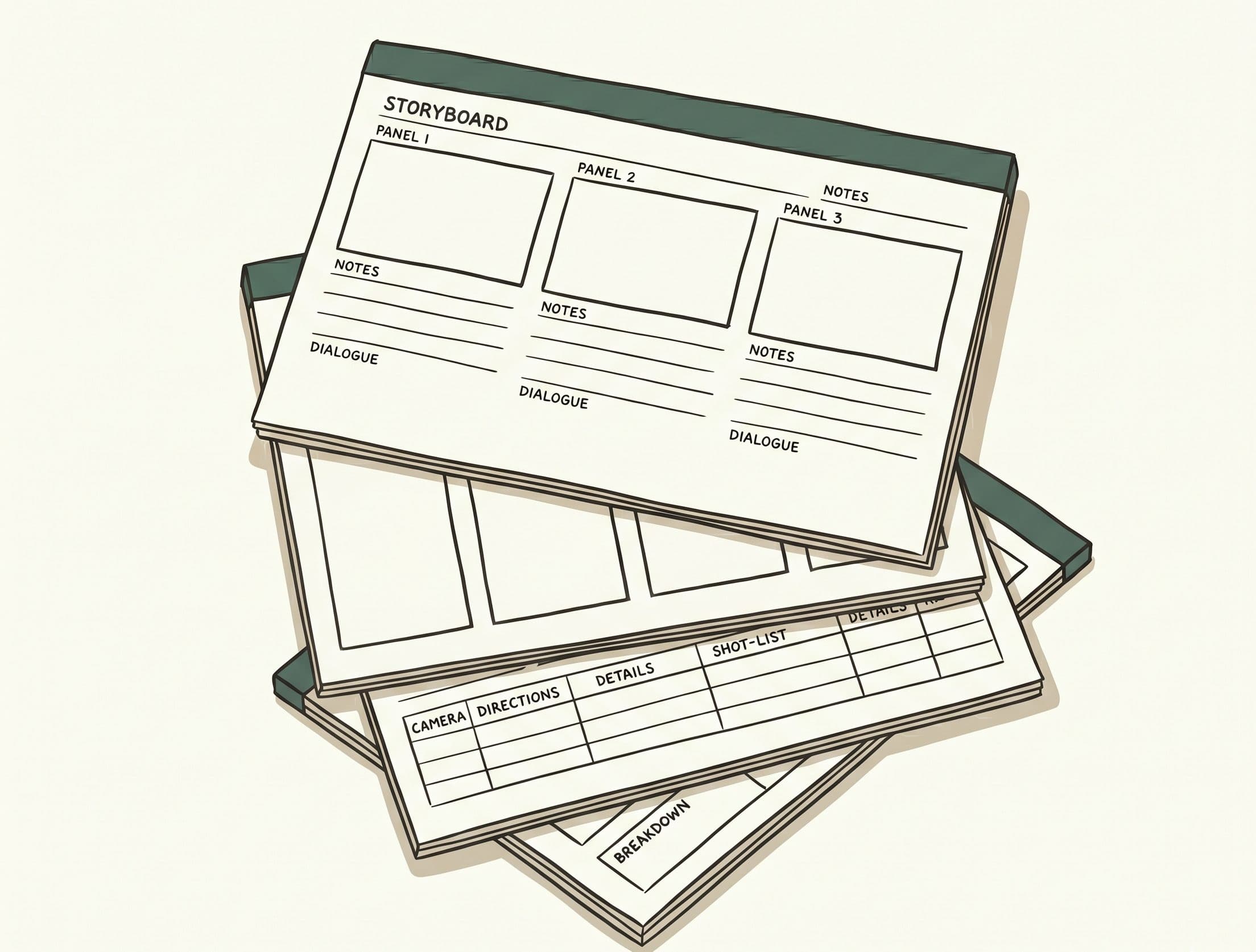
Download a template
All PDFs are free. No email required. Print at home or at a print shop.
Standard Film Storyboard
Best for: Short films, features, narrative projects, film school assignments
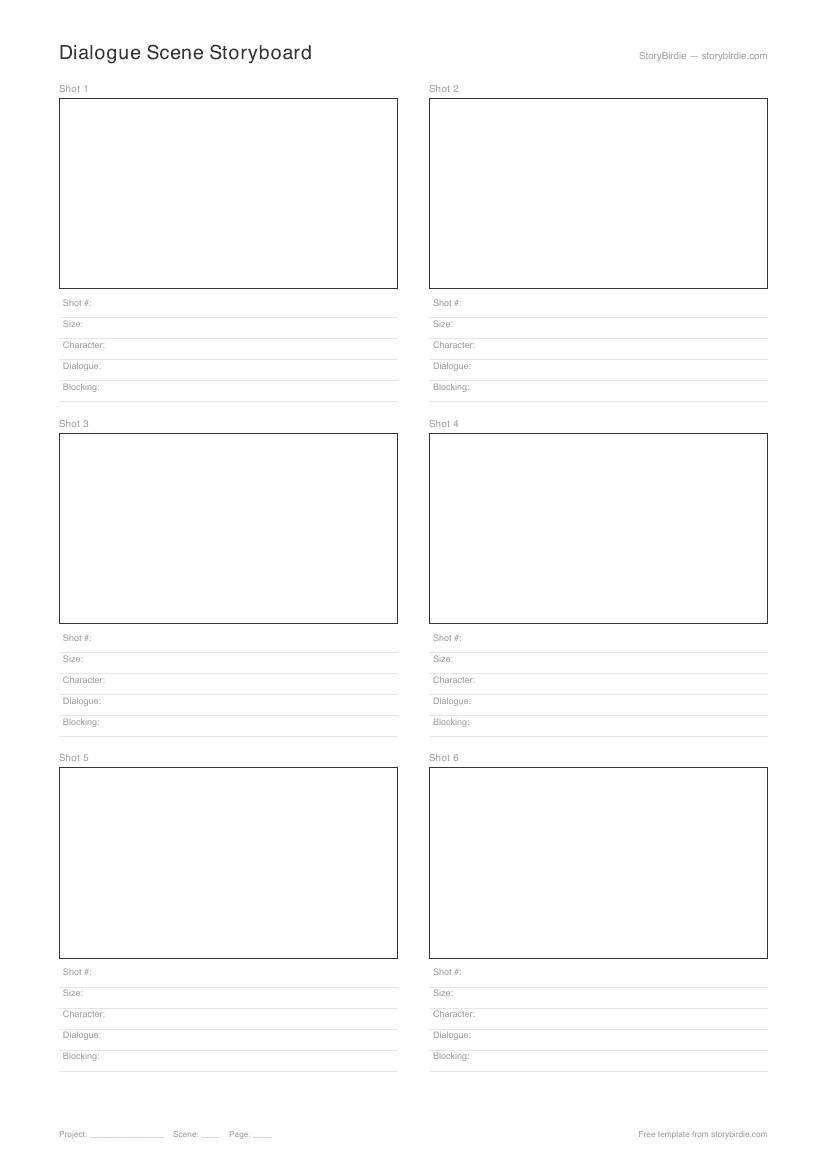
Dialogue Scene
Best for: Dialogue-heavy scenes, interviews, character-driven drama, sitcom multi-cam
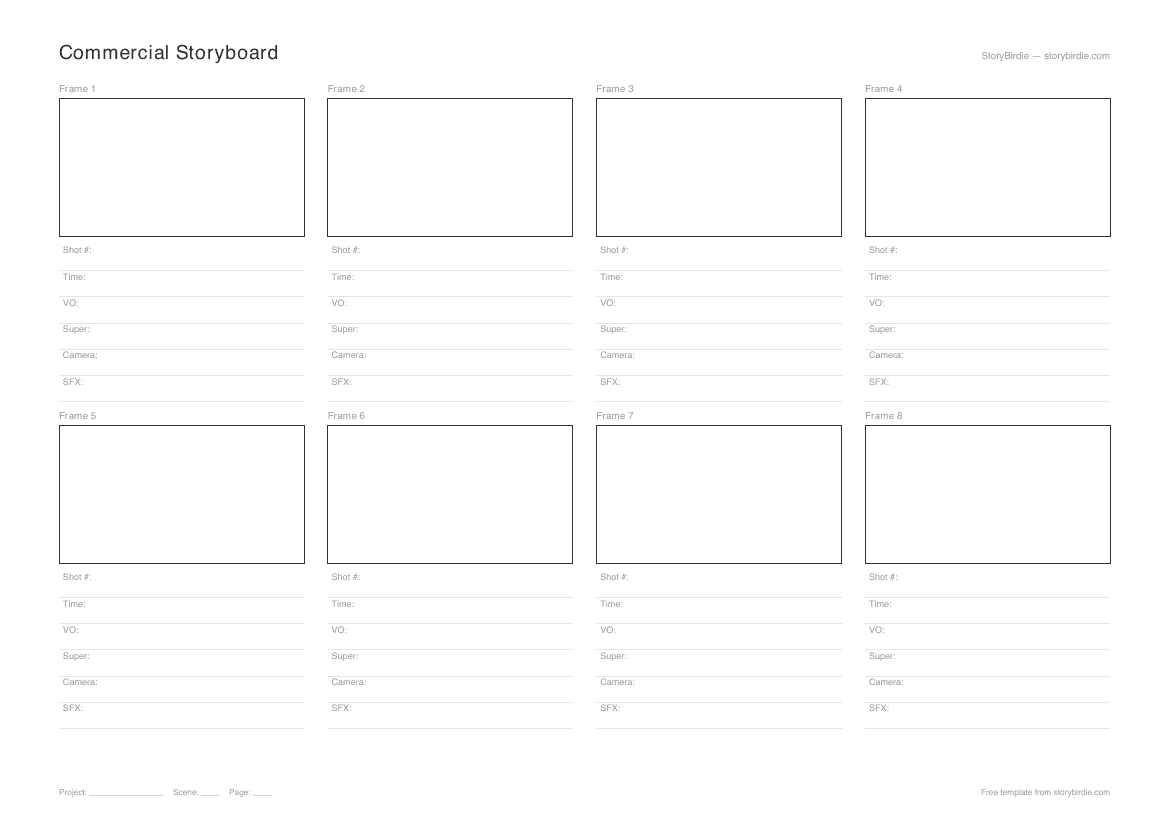
Commercial
Best for: TV spots, social ads, branded content, agency pitch decks
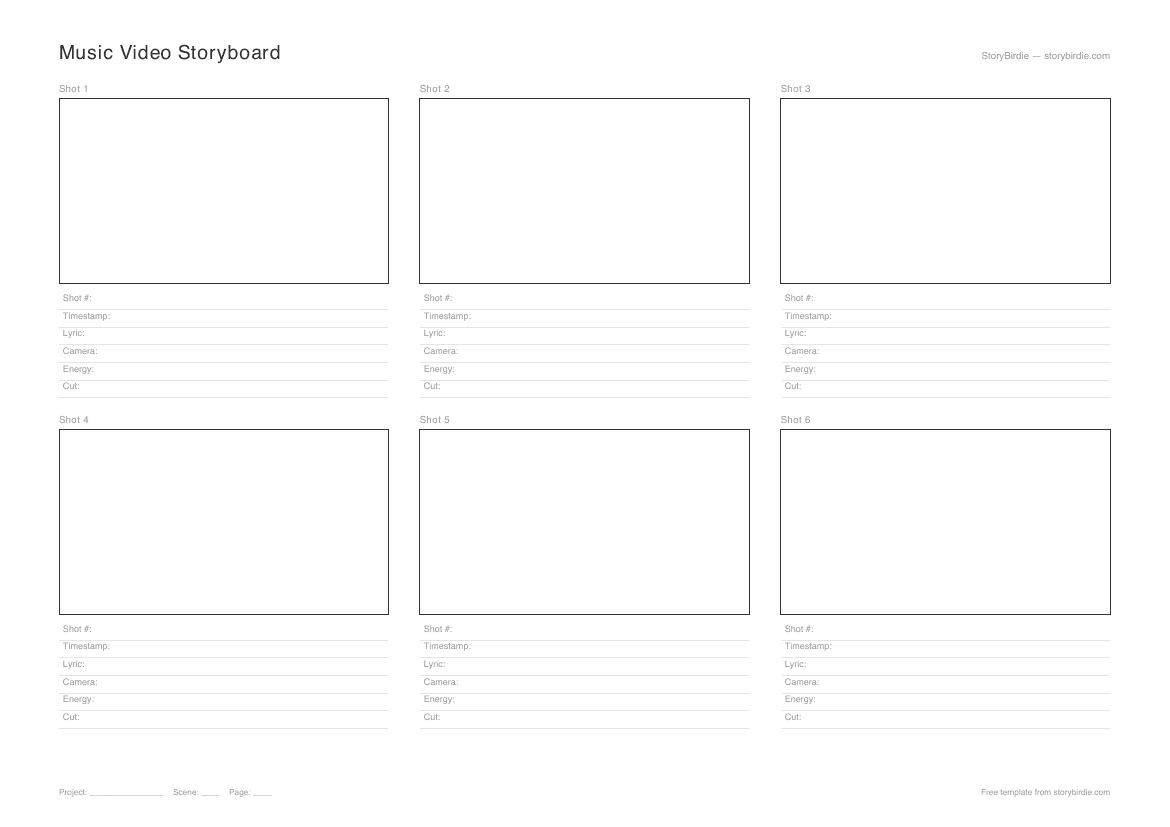
Music Video
Best for: Music videos, lyric videos, concert visuals, label treatments
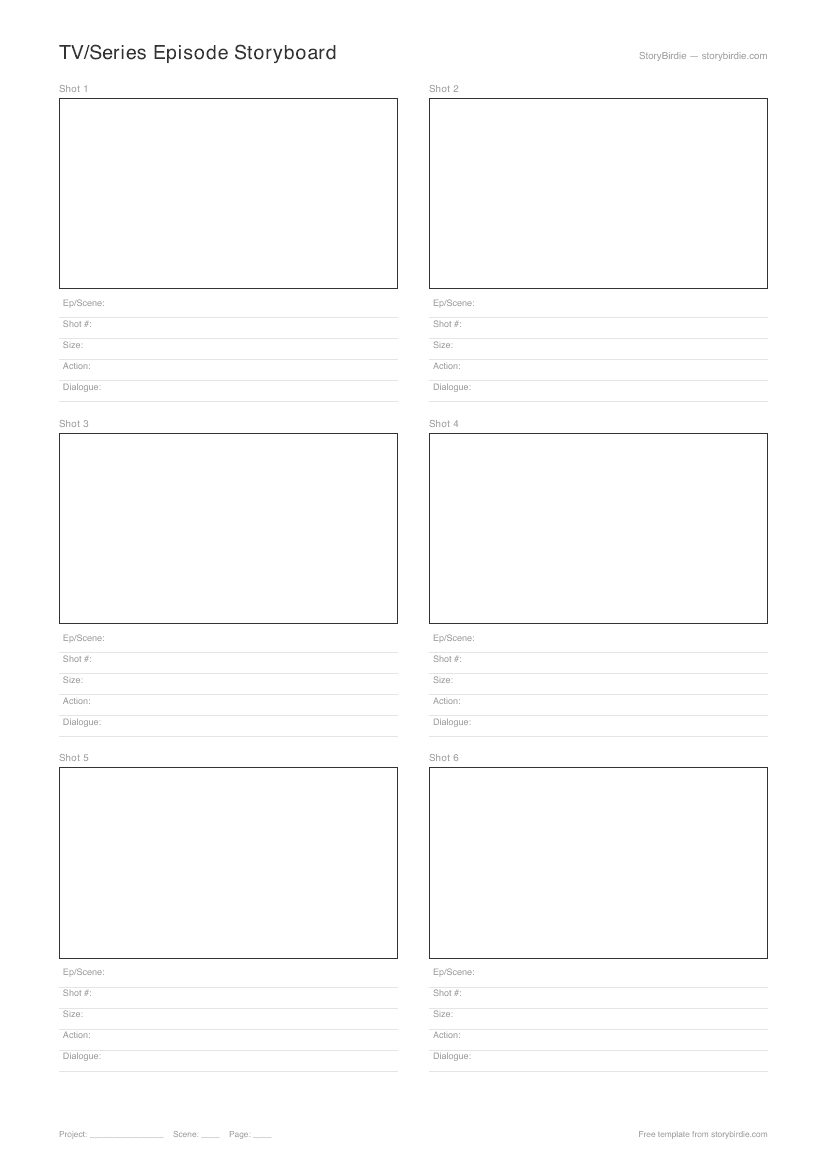
TV / Series Episode
Best for: TV episodes, web series, streaming originals, multi-director production
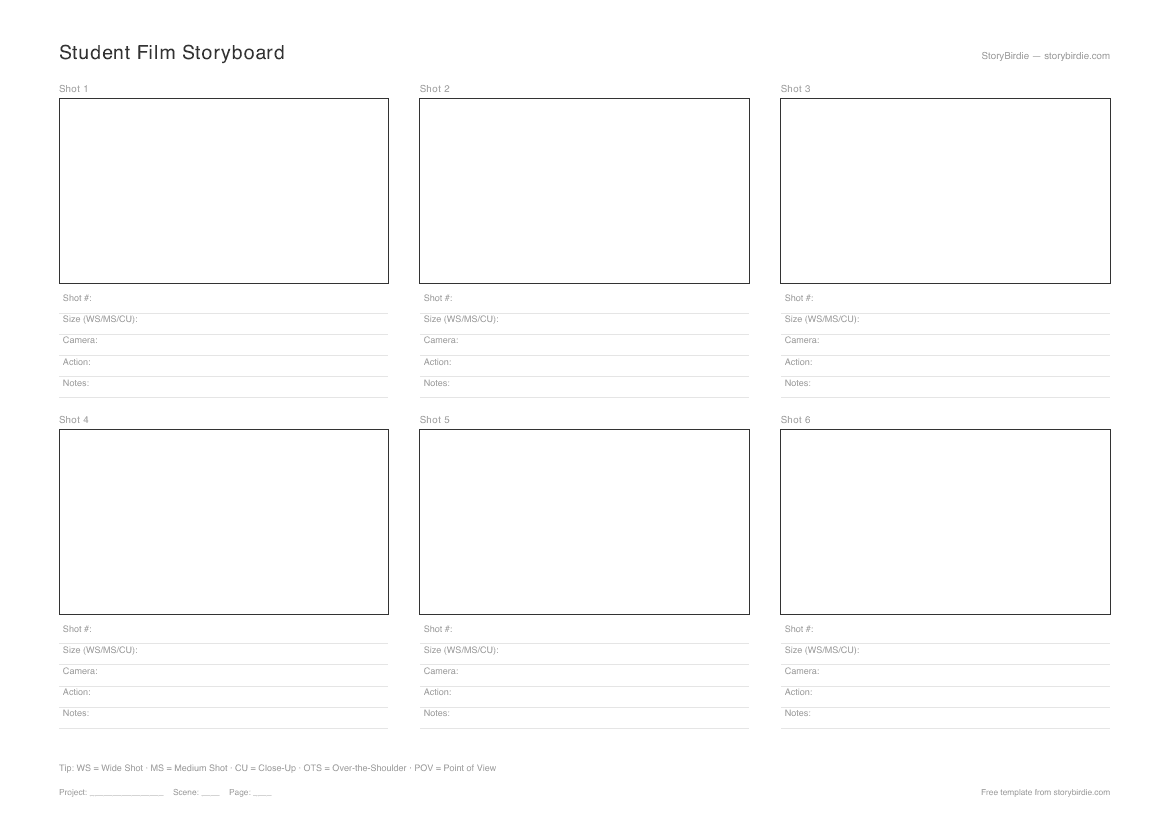
Student Film
Best for: Film school assignments, first films, student short films, classroom use
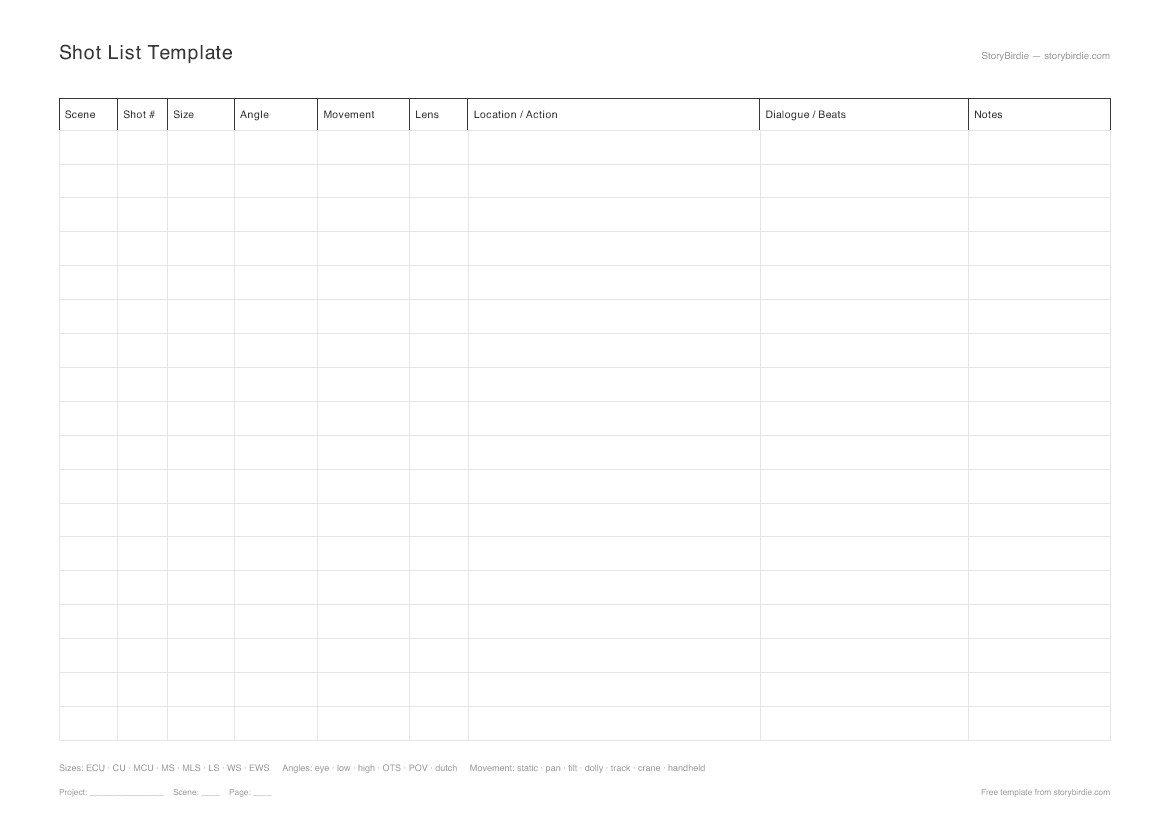
Shot List
Best for: Every production. Pair with a storyboard template.
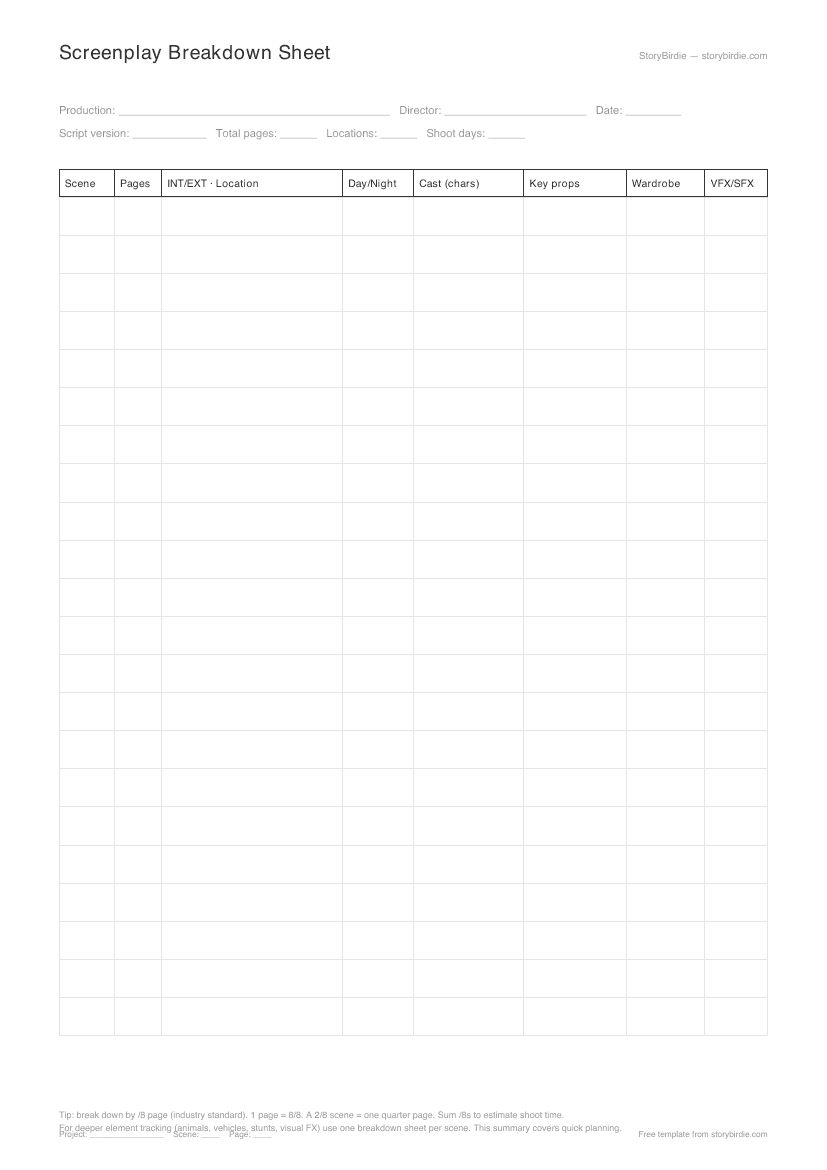
Screenplay Breakdown
Best for: Indie directors, 1st ADs, producers prepping a shoot.
Templates aren't competing with AI generation. They're complementary tools that do different jobs. The honest split:
Reach for a template when:
Reach for AI generation when:
A lot of working directors use both on the same shoot. Hand-drawn boards for the climax (you want to feel the shot, not pick it from a grid), AI generation for the rest. The point is that the boards exist; what produced them is irrelevant by the time they're on the wall at video village.
Templates fail more often than they succeed, and almost always for the same reasons. The pattern that actually works:
Plan before you draw. Build the shot list first. Each frame on the template equals one row on the shot list. Boarding without a shot list is a fast way to discover, halfway through a scene, that you skipped the master.
Match frame to shot. Frame 1 = shot 1. Sounds obvious, but mismatched numbering between the boards and the shot list is the most common boards-on-set problem. Number both before you draw.
Draw composition, not art. Stick figures, simple geometry for objects, arrows for movement. The boards exist to communicate camera angle, character positions, and screen geometry. Detailed character drawings actively hurt — they pull the reader's eye away from the staging.
Annotate every frame. Shot size, angle, movement, dialogue, and any sound notes. A frame without annotations is decoration. The standard taxonomy (WS / MS / CU; eye-level / high / low / dutch; static / pan / dolly / handheld) is printed on the student film template for reference if you need it.
Print copies for the crew. Print one for the director, the DP, the 1st AD, and the camera operator. Tape them near the monitor at video village. They get marked up during the shoot — that's the point.
The other thing to do: skip frames you don't need to board. A clean dialogue OTS or a standard single doesn't need a frame on the wall; your DP can frame those on the day from the shot list. Board the openers, the climaxes, the moves that need to land, and the shots you can't fully explain in words. Everything else is fine to live in the shot list.
The deeper craft on this lives at storyboard anatomy and what to leave out — worth a read if you've never been on a set where the boards were used well.
Eight templates is a lot. The right one depends on the project format more than on personal preference.
Most indie shoots end up with three printed documents on the wall: a storyboard template (one of the six storyboard formats), the shot list, and the breakdown sheet. That set of three is enough for a 1st AD to schedule the shoot. If you're missing any of the three, that's the gap to fill first.
One last consideration: if you're going to generate boards with AI anyway, the template choice matters less — the AI doesn't print, and the output frames will export at the aspect ratio you set in the project. Pick the template that matches what you'd draw if you were drawing; the AI inherits that intent.
Pair the templates with practical guides from the StoryBirdie blog.
Storyboards and animatics serve different purposes in pre-production. Learn when to use each and how they work together.
How indie filmmakers can pre-visualize their films without expensive software or storyboard artists. Practical tools and workflows for zero-budget pre-viz.
Introducing the StoryBirdie blog: practical guides on storyboarding, shot lists, and pre-production workflows for directors and filmmakers.
25 things to lock before you shoot. A two-page PDF directors print and tape to the wall during prep.
Paste a scene or a full screenplay. We'll catch continuity errors, logic gaps, and unclear blocking — and surface what you'd otherwise spot only in pre-production reads. Free, uses the credits we give every new account.
Paste your screenplay or a scene. We'll generate a tabular shot list with shot size, angle, camera movement, and blocking metadata per row. Free, uses the credits we give every new account.
25 things to lock before you shoot. A two-page PDF directors print and tape to the wall during prep. Free, sent to your inbox.
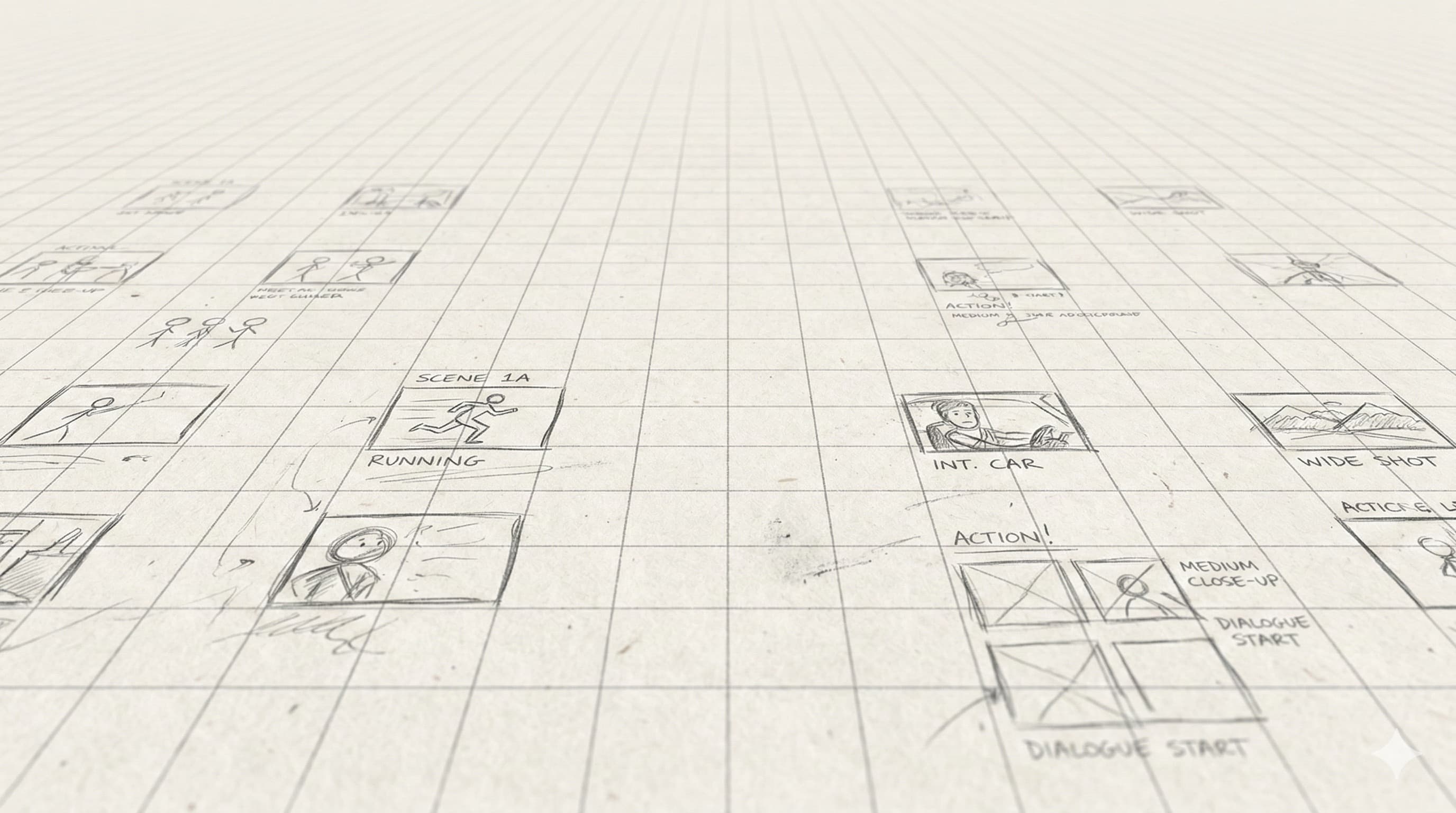
A single freelance storyboard costs $500–$2,000. StoryBirdie starts free. No credit card required.