Free Dialogue Scene Storyboard Template
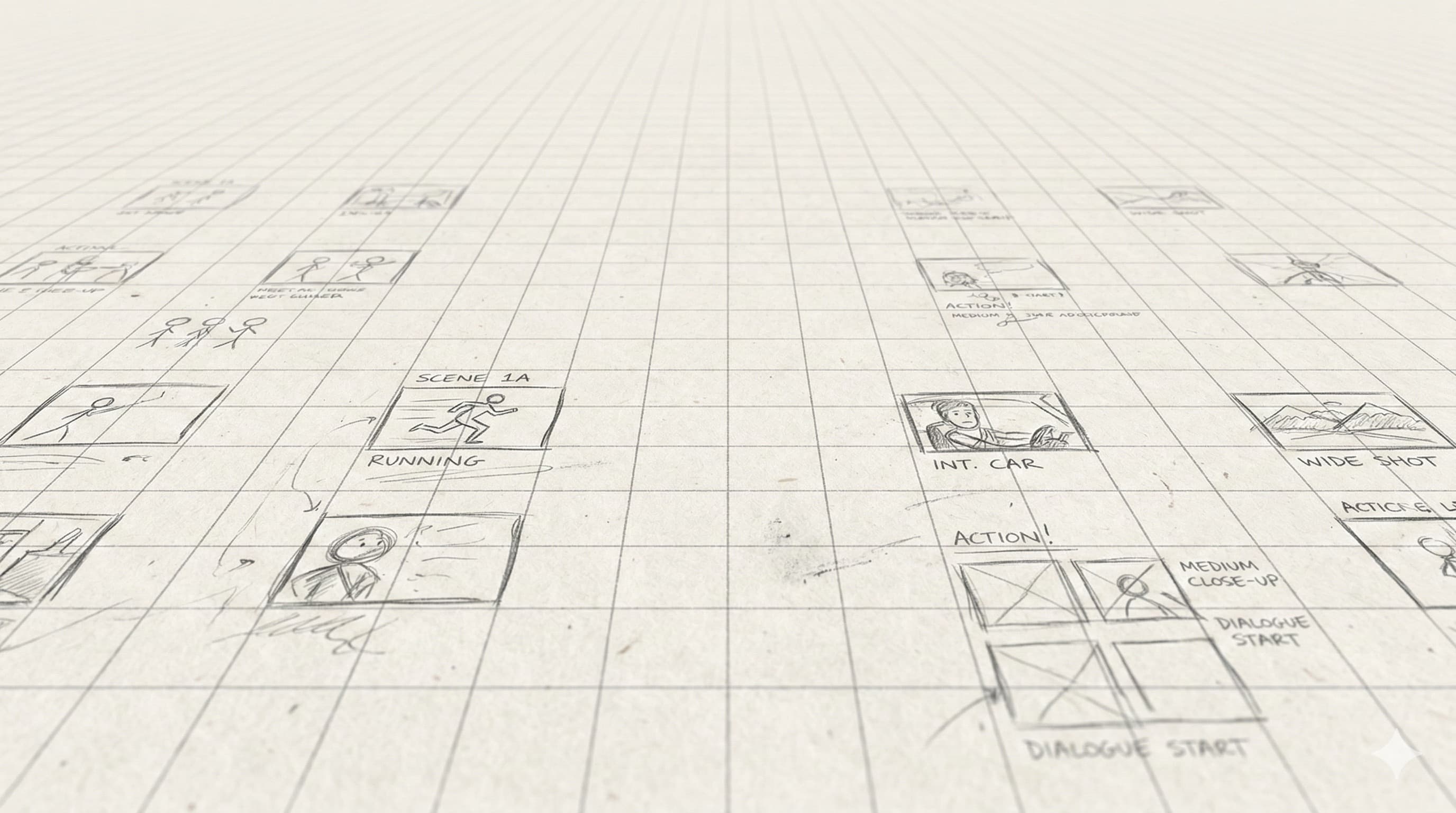
Two-panel portrait layout built for shot/reverse-shot coverage. Bigger frames, more space for dialogue, eyelines, and blocking. Free, printable PDF. Or generate dialogue coverage from your script automatically.
What This Template Is
Dialogue scenes have a different planning rhythm than action: you're building coverage — masters, singles, two-shots, OTSs — and the geometry of who's looking where matters more than what's moving in the frame.
This template's bigger portrait frames give you room to draw eyelines and indicate the 180° line. Wide annotation rows underneath fit lines of dialogue so the storyboard and the script read together.
How Directors Actually Use This
1. Block the geography first
Before you draw, decide where the characters sit/stand, where the camera lives, and which side of the line you're on. Half of dialogue-scene problems are 180° violations that nobody caught until the cut.
2. Start with the master
Frame 1 is usually a wide two-shot that establishes geography. Everything that follows is coverage of that geometry. If the audience doesn't know where people are, they'll spend the scene reorienting instead of listening.
3. Draw eyelines as arrows
On every single and OTS, draw an arrow showing where the character is looking. Your editor will use this to cut. Mismatched eyelines are the #1 dialogue-coverage problem on indie shoots.
4. Mark dialogue chunks per frame
Write the line(s) covered in each frame under the panel. This tells the editor where each frame goes in the cut and tells the AD how long the setup will run.
5. Plan the punctuation shots
Reactions, inserts, and clean singles for emotional beats. Mark them clearly — they're the shots that save the scene in the edit.
Or Storyboard the Whole Scene With AI
Drawing coverage for a 5-minute dialogue scene is 20-40 frames by hand. StoryBirdie generates the full coverage pattern from your screenplay — masters, singles, OTSs, inserts — with eyelines maintained and the 180° line respected. You edit the frames that need adjusting.
Free credits on signup. No credit card.
Related Templates
Standard Film Storyboard
The 3-panel landscape default. Free PDF for film, narrative, and short-film projects.
Shot List Template
Tabular shot list — what your DP and AD actually work from on set.
TV / Series Episode Storyboard
2-panel portrait with episode and scene fields for multi-director production.
Guides That Pair With This Template
Background reading from the StoryBirdie blog on the technique behind the template.
How to Storyboard for Animation: A Step-by-Step Guide
Storyboarding for animation, step by step: timing, staging, acting through drawing, and the animatic pipeline. With real examples directors use.
Famous Storyboard Examples From Iconic Films
Real storyboard examples from Hitchcock, Spielberg, Ridley Scott, and more. See how master directors planned their most iconic shots.
How Many Storyboard Panels Per Scene?
A practical formula for deciding how many storyboard frames your scene needs. Covers dialogue, action, and VFX scenes with real numbers.
Frequently Asked Questions
How many shots does a dialogue scene need?+
What is the 180° line and why does it matter?+
Can AI storyboard a dialogue scene?+
One project pays for a year.
A single freelance storyboard costs $500–$2,000. StoryBirdie starts free. No credit card required.