Free TV / Series Episode Storyboard Template
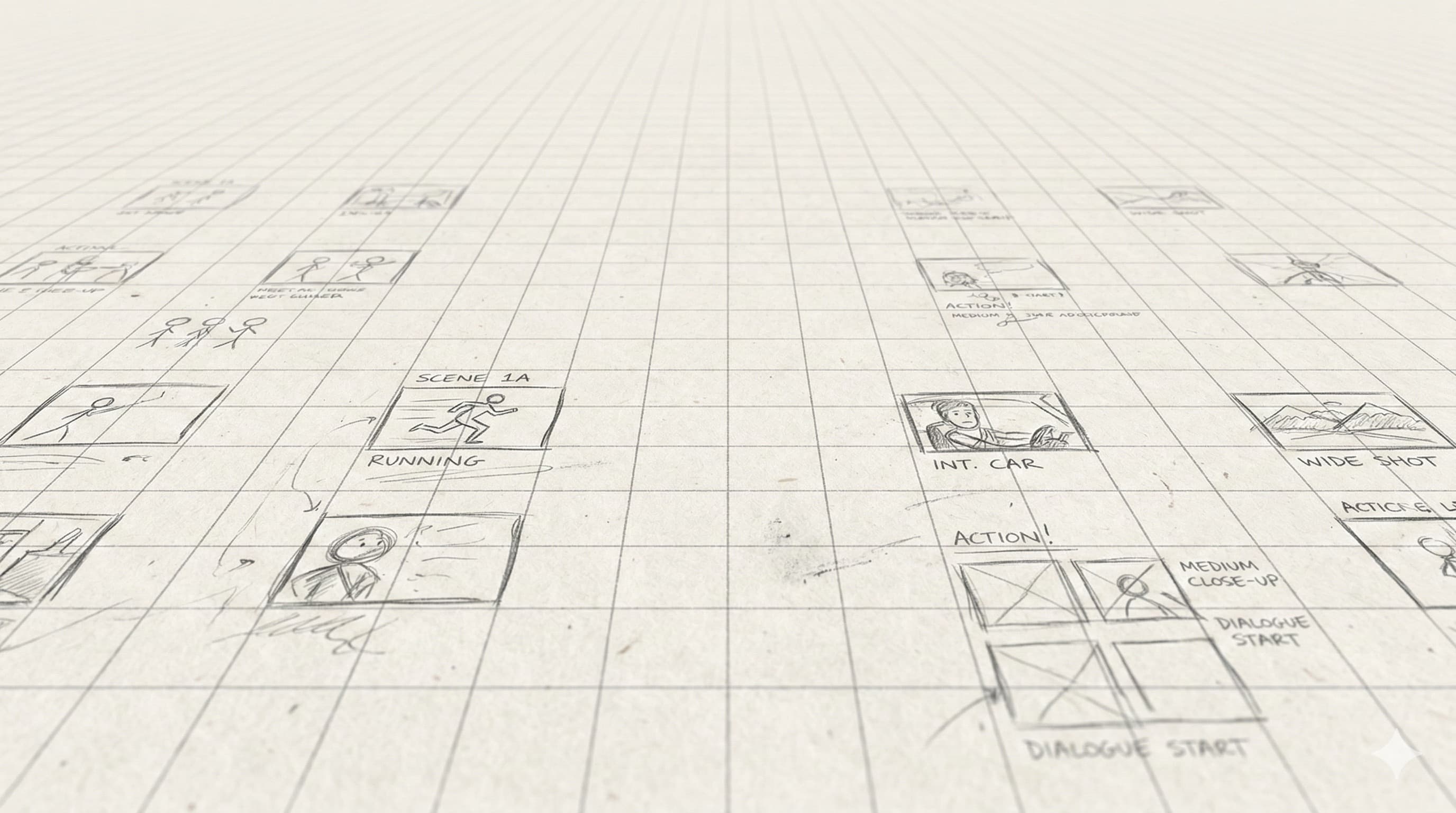
Two-panel portrait layout with scene number, episode number, and director-name fields. Designed for episodic production where multiple directors share boards. Free PDF download.
What This Template Is
TV and streaming series rotate directors per episode but share a continuity bible, a DP, and a show language. The boards have to plug into that continuity — frame numbering needs to be unambiguous, and any director's boards need to be readable by next week's director.
This template adds episode number, scene number, and director-of-photography fields to the annotation row so a board archive across an entire season stays coherent.
How Directors Actually Use This
1. Pull the show bible
Before you board anything, read the show's visual language doc (or talk to the showrunner). Camera height, lens choices, blocking conventions, even color cues — your episode has to plug into the existing language, not invent a new one.
2. Number scenes from the production draft
Scene numbering in TV gets messy — re-writes shift numbers, scenes get added/cut between drafts. Always number from the production draft (the locked, color-coded version), and put the draft date in the header.
3. Board the new material, summarize the recurring
If a scene is a recurring setup (the family kitchen, the precinct desk) and the show has established camera placement, just note 'standard kitchen setup' and only board variations. Don't re-board what's already locked.
4. Mark hand-offs clearly
Any shot that crosses episode boundaries (a cliffhanger setup, a pickup from a previous episode) needs episode and scene numbers from both episodes on the board. The continuity supervisor will check this on set.
5. Archive boards by season
End-of-season archive: PDF of all boards from all episodes, organized by episode → scene → shot. This becomes the visual reference for season 2 directors and any pickup days that get scheduled later.
Or Generate Episode Boards Consistent With the Show
A 50-minute episode runs 40-80 setups. Hand-boarding the entire script in the gap between blocks is a stretch. StoryBirdie reads the production draft and generates boards in the show's established language — usable as a first pass for guest directors or as a baseline for the regular director to override.
Free credits on signup. No credit card.
Related Templates
Standard Film Storyboard
The 3-panel landscape default. Free PDF for film, narrative, and short-film projects.
Dialogue Scene Storyboard
2-panel portrait layout built for shot/reverse-shot coverage and eyeline planning.
Shot List Template
Tabular shot list — what your DP and AD actually work from on set.
Guides That Pair With This Template
Background reading from the StoryBirdie blog on the technique behind the template.
How to Storyboard for Animation: A Step-by-Step Guide
Storyboarding for animation, step by step: timing, staging, acting through drawing, and the animatic pipeline. With real examples directors use.
Camera Angles Explained: A Director's Visual Guide
Every camera angle explained with when and why to use it. Practical guidance for directors making shot decisions in pre-production.
Famous Storyboard Examples From Iconic Films
Real storyboard examples from Hitchcock, Spielberg, Ridley Scott, and more. See how master directors planned their most iconic shots.
Frequently Asked Questions
How do TV storyboards differ from film storyboards?+
Do streaming shows still storyboard?+
Can I storyboard a TV episode with AI?+
One project pays for a year.
A single freelance storyboard costs $500–$2,000. StoryBirdie starts free. No credit card required.