Free Student Film Storyboard Template
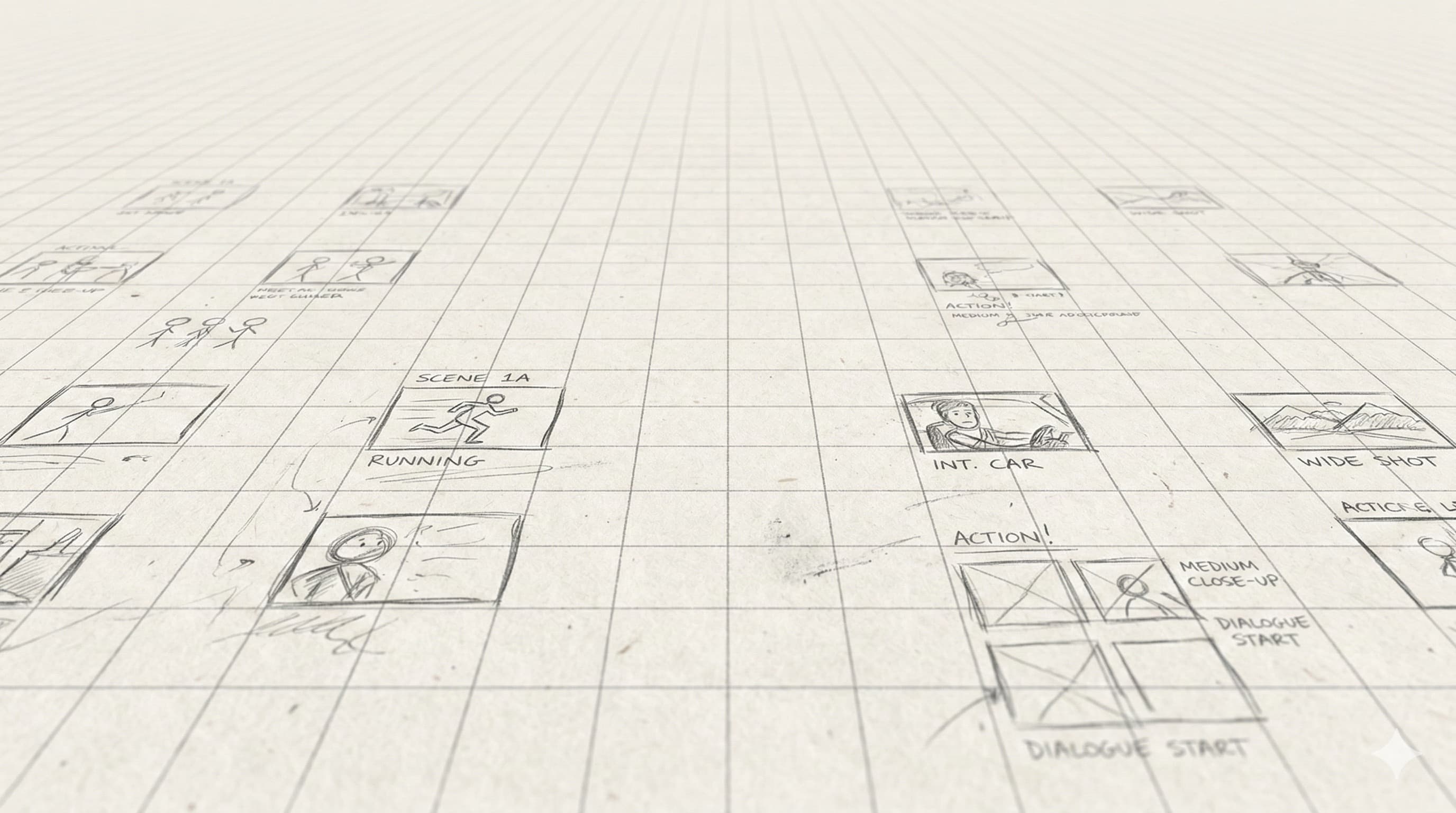
3-panel landscape layout with shot-size and camera-angle references printed on every page. Built for film-school assignments and first-time directors. Free PDF download.
What This Template Is
Film school storyboards are also a learning artifact. This template prints the standard shot-size taxonomy (wide / medium / close / extreme) and angle taxonomy (eye-level / high / low / dutch / POV) at the bottom of every page, so students annotating frames have the vocabulary right there.
Same 3-panel landscape layout that working directors use — no training-wheels formatting that you'd have to unlearn later. Just the reference printed alongside.
How Directors Actually Use This
1. Read the assignment brief carefully
Most student-film assignments have specific requirements — number of shots, particular camera moves, mandatory shot types. Read it twice. The boards are graded against the brief, not against your taste.
2. Start with a shot list, not the boards
Write your shot list first (or generate it from your script). Then board each shot. Skipping the shot list and going straight to boards is how students end up with pretty drawings that don't add up to a shoot.
3. Use the taxonomy at the bottom of each page
Learn the standard vocabulary — WS / MS / CU / ECU, eye-level / high / low / dutch / POV. It's printed on every page of this template. Annotate every frame with the standard terms; your DP and AD will know exactly what you mean.
4. Match your boards to your shot list
Frame 1 in the storyboard = shot 1 in the shot list. Mismatched numbering is the most common first-film mistake. Number both before you draw.
5. Get the boards reviewed before you shoot
Show them to your instructor, your DP, and your 1st AD before production day. Catching framing or geography issues at the boarding stage costs an evening. Catching them on set costs the shoot.
Or Generate Boards to Learn From
Generate a board set with AI, then study what choices it makes (shot size, angle, blocking) and how you'd make them differently. Free credits cover a short-film assignment. A faster way to study staging than reading another storyboard textbook.
Free credits on signup. No credit card.
Related Templates
Standard Film Storyboard
The 3-panel landscape default. Free PDF for film, narrative, and short-film projects.
Shot List Template
Tabular shot list — what your DP and AD actually work from on set.
Dialogue Scene Storyboard
2-panel portrait layout built for shot/reverse-shot coverage and eyeline planning.
Guides That Pair With This Template
Background reading from the StoryBirdie blog on the technique behind the template.
How to Storyboard for Animation: A Step-by-Step Guide
Storyboarding for animation, step by step: timing, staging, acting through drawing, and the animatic pipeline. With real examples directors use.
Famous Storyboard Examples From Iconic Films
Real storyboard examples from Hitchcock, Spielberg, Ridley Scott, and more. See how master directors planned their most iconic shots.
How to Storyboard a Commercial: A Director's Workflow
Storyboarding a commercial: timing, product shots, client-approval drafts, and the agency workflow that keeps clients and crew aligned.
Frequently Asked Questions
Do I need storyboards for a film school assignment?+
Can I use stick figures?+
Can students use AI to storyboard?+
One project pays for a year.
A single freelance storyboard costs $500–$2,000. StoryBirdie starts free. No credit card required.