The Storyboard Lives in One Place. The Script Lives in Another.
You have 40 shots planned for a scene. Your storyboard lives in Boords. Your screenplay lives in a separate doc. Your shot list lives in a spreadsheet. When the writer changes a scene, you manually update all three.
Boords is excellent at what it does. A decade of refinement, over a million users, and arguably the most polished storyboard workspace available. The collaboration features genuinely work. The templates save time. The animatic creator is solid.
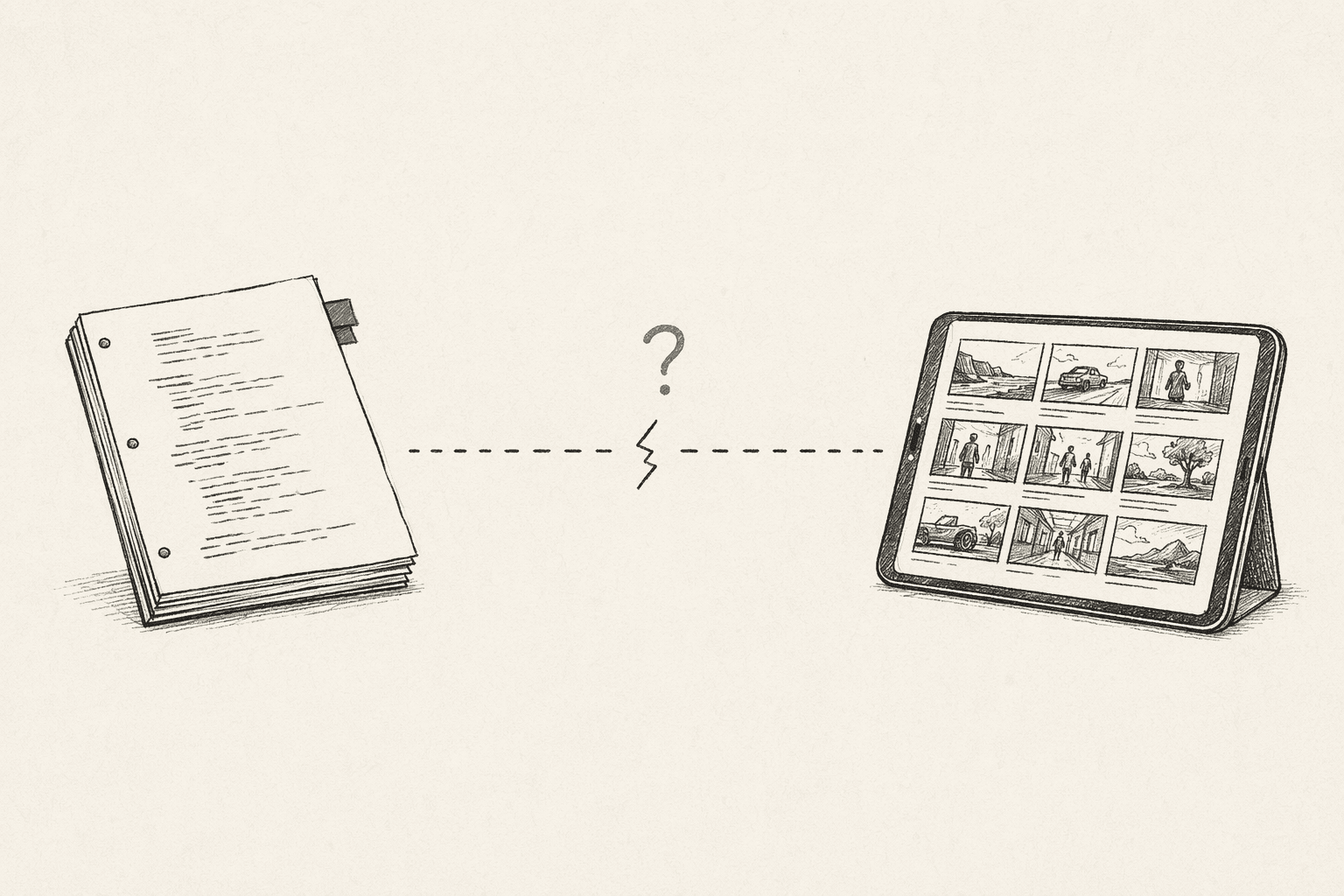
But Boords was built before AI changed what's possible in pre-production. For directors who want their storyboard connected to their screenplay, or who want AI handling the mechanical work of shot planning, the landscape looks different than it did two years ago.
This post covers five alternatives that each address a different gap.
Why Directors Look for Alternatives
These are the pain points I hear most often from directors who've used Boords:
- Storyboard is disconnected from the screenplay. No script import, no analysis, no automatic sync between script changes and board updates.
- No AI shot list generation. You build every shot manually. For a 15-page scene, that's hours of work before you've drawn a single frame.
- Per-user pricing adds up. Sharing with your DP, AD, and producer means three extra seats at $49-99/month each.
- AI is bolted on, not built in. Boords added AI image generation, but the core workflow is still manual-first. The AI doesn't understand your screenplay.
- No screenplay analysis or continuity checking. The tool assumes you've already caught every error in your script before you start boarding.
None of this makes Boords a bad tool. Its collaboration features, template library, and client approval workflows remain best-in-class. But if your pain point is the disconnect between screenplay and storyboard, these alternatives address it directly.
The Alternatives
1. Storyboarder.ai
Best for: Directors who want an AI-first screenplay-to-storyboard pipeline
Storyboarder.ai is the most direct alternative if your main frustration with Boords is the lack of AI automation. Upload a screenplay (PDF, FDX, or Fountain), and the AI generates a shot list and storyboard frames. Unlimited image generation on paid plans means you can iterate without counting credits.
What you gain over Boords:
- Screenplay upload and AI shot list generation
- Unlimited AI storyboard image generation (paid plans)
- Custom art style upload for consistent visual identity
- Animatic and video creation from your frames
- Character consistency across generated frames
The tradeoff: Collaboration is essentially nonexistent. No client approval workflows, no team workspace, no version management with feedback threads. If you chose Boords for the teamwork features, Storyboarder.ai won't replace that. Page-length limits on lower plans are also a real friction point — the Starter plan caps at 10-page scripts.
Pricing: Free (2 projects, watermarks) | Starter $27/mo | Pro $59/mo | Production $177/mo
For a deeper look at how AI storyboard generators work, we wrote a separate breakdown.
2. Katalist.ai
Best for: Fast AI visuals without workflow overhead
Katalist takes a simpler approach than Boords. Describe a scene, get AI-generated frames. No templates to manage, no workspace to configure. The AI handles character consistency and scene composition, and you refine from there.
The standout feature is AI video generation — Katalist can turn your storyboard frames into short animated previews with voiceover and music. For pitch decks and early creative discussions, that's genuinely useful. If generating the video is the actual goal, the more useful comparison is where each AI video tool expects you to start — an idea, an image, or a finished script.
What you gain over Boords:
- AI-native frame generation (not an add-on)
- Character casting with consistent models across scenes
- AI video generation from storyboard frames
- Simpler pricing — no per-user seat costs
The tradeoff: Less structured than Boords. No templates library, no client approval workflows, no version management. Katalist is a generation tool, not a workspace. If you need to organize hundreds of frames across multiple scenes with team feedback, Boords still wins. But if you're a solo director who doesn't need the collaboration overhead, the simplicity is the point.
Pricing: Freemium with generation limits. Paid plans available.
3. StudioBinder
Best for: Production teams who need storyboarding inside a full production suite
StudioBinder is the industry standard for production management, and it has a genuine workflow advantage over Boords: the shot list and storyboard are connected. Create a shot in the shot list, and it maps to a storyboard frame. That linkage between shot list and storyboard is something Boords doesn't offer natively.
The free tier is legitimately useful — no per-user pricing, no watermarks on basic features. If Boords' per-seat costs are your pain point, StudioBinder's free tier covers a lot of ground.
What you gain over Boords:
- Connected shot list and storyboard (shots map to frames)
- Full production management (call sheets, schedules, breakdowns)
- Generous free tier with no per-user pricing
- Strong template library for shot lists and breakdown sheets
The tradeoff: The storyboard creation tools are basic compared to Boords. No AI image generation. No animatic creator. StudioBinder is a production management suite with storyboarding, not a storyboarding tool. If your primary need is building polished visual boards, Boords' dedicated workspace is better. StudioBinder shines when you need storyboarding alongside scheduling, call sheets, and breakdown sheets.
Pricing: Free (solid) | Basic $19/mo | Indie $29/mo | Professional $49/mo | Studio $99/mo
4. Wonder Unit Storyboarder
Best for: Zero-budget directors who sketch their own boards
If Boords' per-user pricing is your main frustration, Wonder Unit Storyboarder costs nothing. It's free, open-source, and runs on your desktop. Six simple drawing tools, Photoshop round-trip editing, animatic creation, and export to PDF, Premiere, Final Cut, or Avid.
It also has a basic text-to-image feature — type a scene description and get an AI-generated shot. It's not as polished as Boords' AI generation, but for rough blocking and scene planning, it works.
What you gain over Boords:
- Completely free — no subscriptions, no per-user fees, no credit limits
- Clean sketch-based interface designed for drawing
- Photoshop integration for detailed frame editing
- Animatic creation with timing control
- Export to NLE formats (Premiere, Final Cut, Avid)
The tradeoff: No cloud, no collaboration, no team features. Desktop only. Development has slowed significantly. If you need to share boards with clients or collaborate with your DP in real-time, this isn't it. But for solo directors who draw their own boards and want a focused, distraction-free workspace, the simplicity and price are hard to argue with.
Pricing: Free (open source)
5. StoryBirdie
Best for: Directors who want the storyboard connected to the screenplay
StoryBirdie was built specifically to address the disconnect between screenplay and storyboard that Boords users run into. Upload your screenplay (PDF, DOCX, or Fountain), and the AI analyzes it — extracting characters, locations, props, and flagging continuity errors before you start boarding. From that analysis, it generates a shot list with camera angles, shot sizes, and blocking. Then it generates storyboard frames from those shots.
The key difference from Boords: when the script changes, the analysis updates, the shot list updates, and the storyboard follows. No manual re-entry across disconnected tools.
But the pipeline is only half the story. Where StoryBirdie genuinely pulls ahead — of Boords and every other tool on this list — is output quality. Every AI storyboard tool generates images. The difference is whether those images hold up under a director's eye. StoryBirdie's frames maintain character consistency across an entire sequence, preserve the 180-degree rule between shots, follow cinematic composition principles, and render blocking that's intentional and scene-aware. Props, wardrobe, and lighting stay consistent from frame to frame. Most AI tools produce frames that look good individually but fall apart as a sequence. StoryBirdie's frames work together — because the AI understands the scene, not just the prompt.
What you gain over Boords:
- Storyboard connected to screenplay through the full screenplay-to-storyboard pipeline
- AI screenplay analysis with continuity error detection
- AI shot list generation (you refine, not build from scratch)
- Inline shot metadata editing (camera angle, shot size, blocking, aspect ratio)
- Frames that maintain character consistency, 180-degree rule, composition, and blocking across the full sequence
Honest limitations: Collaboration is basic — Boords wins here handily. No templates library. No animatic creation. No client approval workflows. We're a newer product, and Boords has a decade of refinement in workspace features. If team collaboration is your primary need, Boords is still the better choice for that specific job.
Pricing: Free ($0, 50 credits — enough for a full scene) | Starter $19/mo (1,000 credits, ~300 frames) | Pro $49/mo (3,200 credits, ~1,000 frames) | Studio $99/mo (6,000 credits, ~2,000 frames). New users also get bonus promotional credits on signup to explore the full pipeline. Credits stack month to month — unused credits roll over, so nothing goes to waste. And unlike Boords, pricing is flat-rate per plan, not per user.
Quick Comparison
| Feature | Boords | Storyboarder.ai | Katalist | StudioBinder | Wonder Unit | StoryBirdie |
|---|---|---|---|---|---|---|
| AI-first | No | Yes | Yes | No | No | Yes |
| Screenplay import | No | Yes | No | Yes (limited) | No | Yes |
| AI shot list gen | No | Yes | No | No | No | Yes |
| AI frame gen | Yes | Yes (unlimited) | Yes | No | Basic | Yes |
| Continuity analysis | No | No | No | No | No | Yes |
| Output quality | N/A (manual) | Inconsistent | Basic | N/A (manual) | N/A (manual) | Strong (180 rule, composition, blocking, consistency) |
| Collaboration | Strong | None | Basic | Strong | None | Basic |
| Templates | 150+ | No | No | Yes | No | No |
| Animatic | Yes | Yes | Yes (video) | No | Yes | No |
| Client approvals | Yes | No | No | Yes | No | No |
| Free tier | Limited | Limited | Limited | Solid | Full | Yes (50 credits) |
| Pricing model | Per user | Per plan | Freemium | Per plan | Free | Per plan (credits stack) |
How to Choose
Choose Storyboarder.ai if you want AI doing the heavy lifting from screenplay to storyboard and don't need team collaboration.
Choose Katalist if you need fast concept visuals for pitches and early creative conversations, with less workflow overhead.
Choose StudioBinder if you need storyboarding alongside full production management (call sheets, schedules, breakdowns) and want a strong free tier.
Choose Wonder Unit Storyboarder if you draw your own boards, work solo, and want a free tool with NLE export.
Choose StoryBirdie if your core frustration is the disconnect between screenplay and storyboard, you want AI handling the analysis and shot planning you currently do manually, and you care about output quality — frames that maintain character consistency, the 180-degree rule, composition, and blocking across your entire sequence. At $19-99/mo flat-rate with stacking credits, the pricing is straightforward too.
Ready to speed up your pre-production?
StoryBirdie turns your screenplay into a professional storyboard in minutes. See pricing or jump straight in.
About the author
Aayush is co-founder and director at StoryBirdie. He's a screenwriter, director, stand-up comedian, and full-stack developer — co-founder of Kathmandu's Comedy Tuk Tuk, with directing and writing credits on shorts, music videos, and comedy projects. He builds StoryBirdie on the conviction that storyboarding is expensive, time-consuming, and important — and that a tool for it should serve the filmmaker's vision, not replace it. StoryBirdie is currently in use on a Nepali feature, a Sri Lankan TV commercial, and at one of Nepal's largest production houses. Based in Kathmandu, Nepal.
Keep reading
- StoryBirdie vs Boords vs Katalist: Honest ComparisonAn honest side-by-side comparison of StoryBirdie, Boords, and Katalist for AI storyboarding. Features, pricing, and who each tool is built for.·8 min read
- Top 5 Alternatives to Storyboarder.ai in 2026Five Storyboarder.ai alternatives for directors who need better collaboration, continuity checking, or a different pricing model.·11 min read
- Free Storyboard Generator: No Drawing RequiredCreate professional storyboards from your screenplay without drawing skills. Compare free storyboard generators and learn which one fits your workflow.·9 min read
- Best Storyboard Software in 2026: Honest ComparisonHonest comparison of the best storyboard software in 2026. Pricing, features, and which tool fits your directing workflow.·13 min read